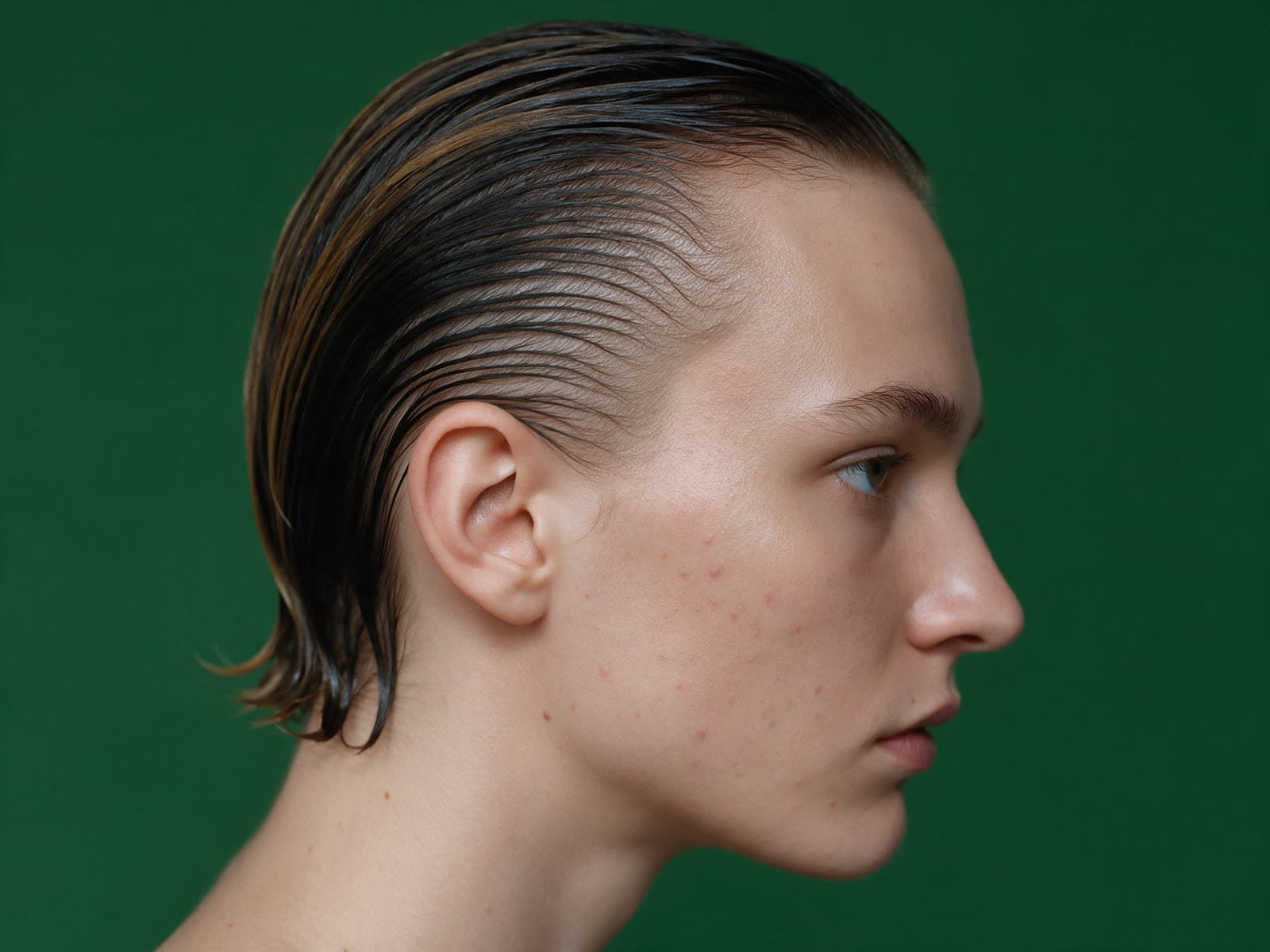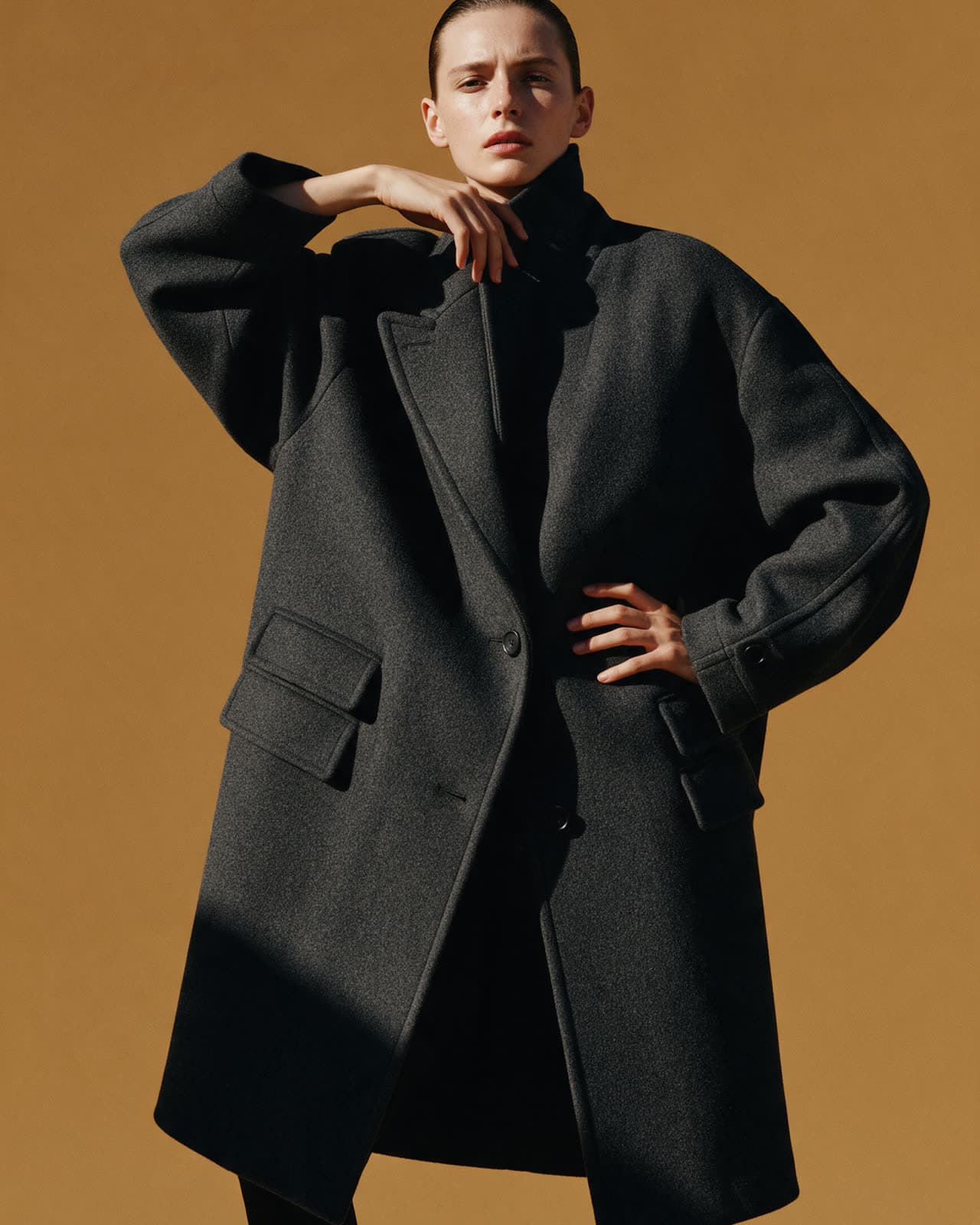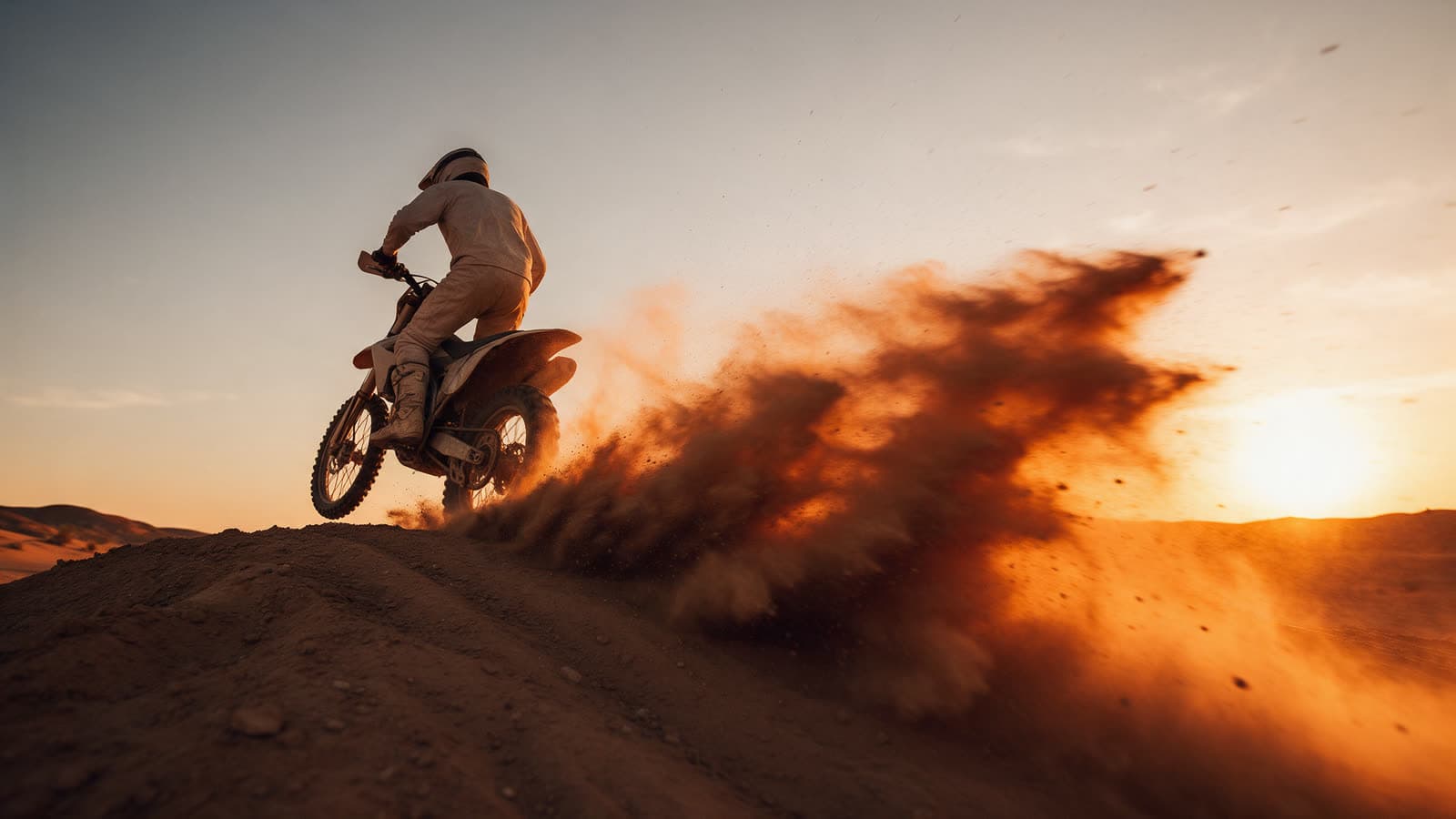
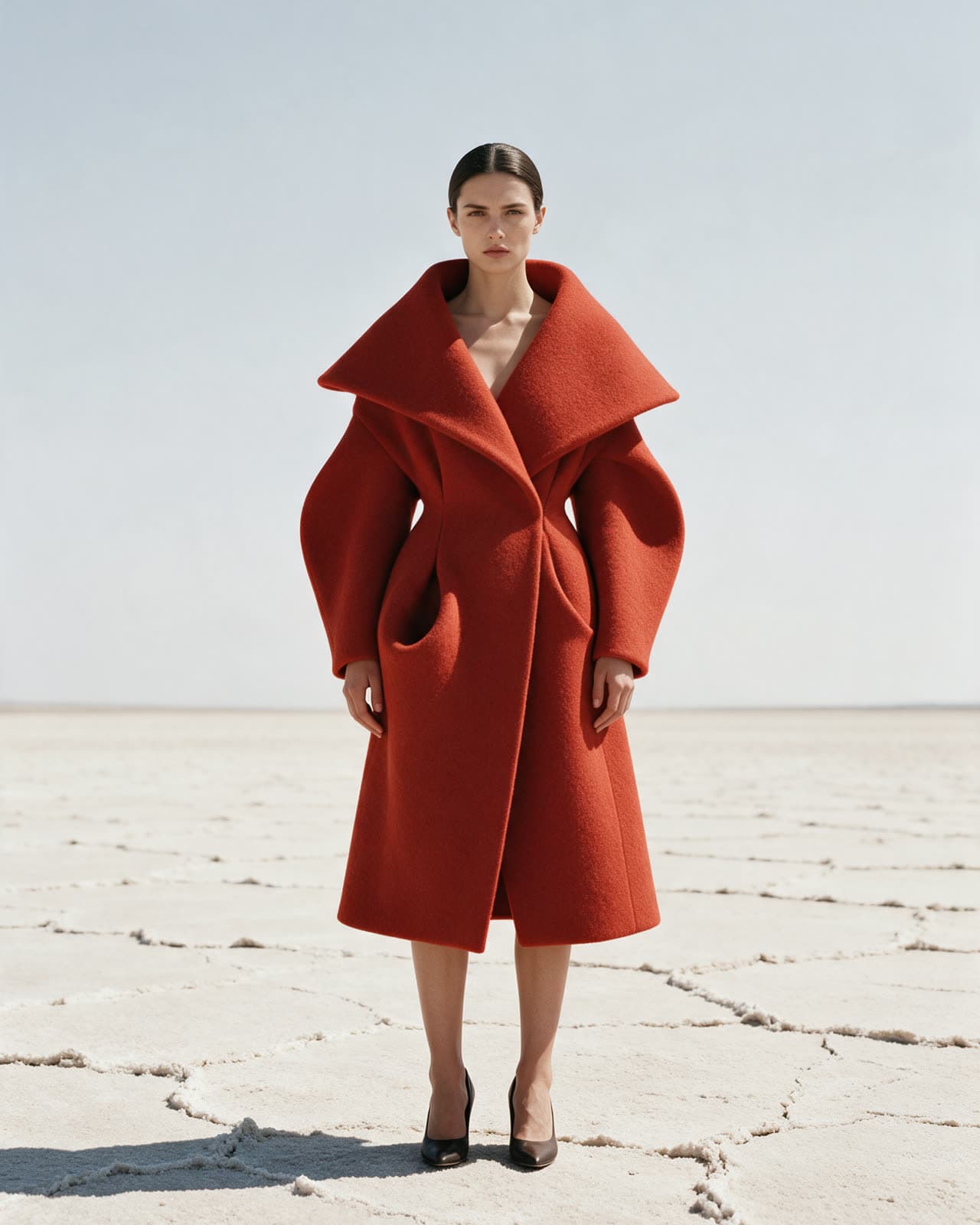
A prompt is a short description of the picture you want. The model reads every word, but it gives the most weight to what comes first and to words that describe something it can see. You do not need special keywords or long lists of quality terms. You need a clear subject and a few concrete details.
Use a simple order
Most good prompts follow the same order: subject, setting, light, camera. Start with who or what is in the frame, then where it is, then how it is lit, then how it is shot. This order keeps the important part at the front and stops details from fighting each other.
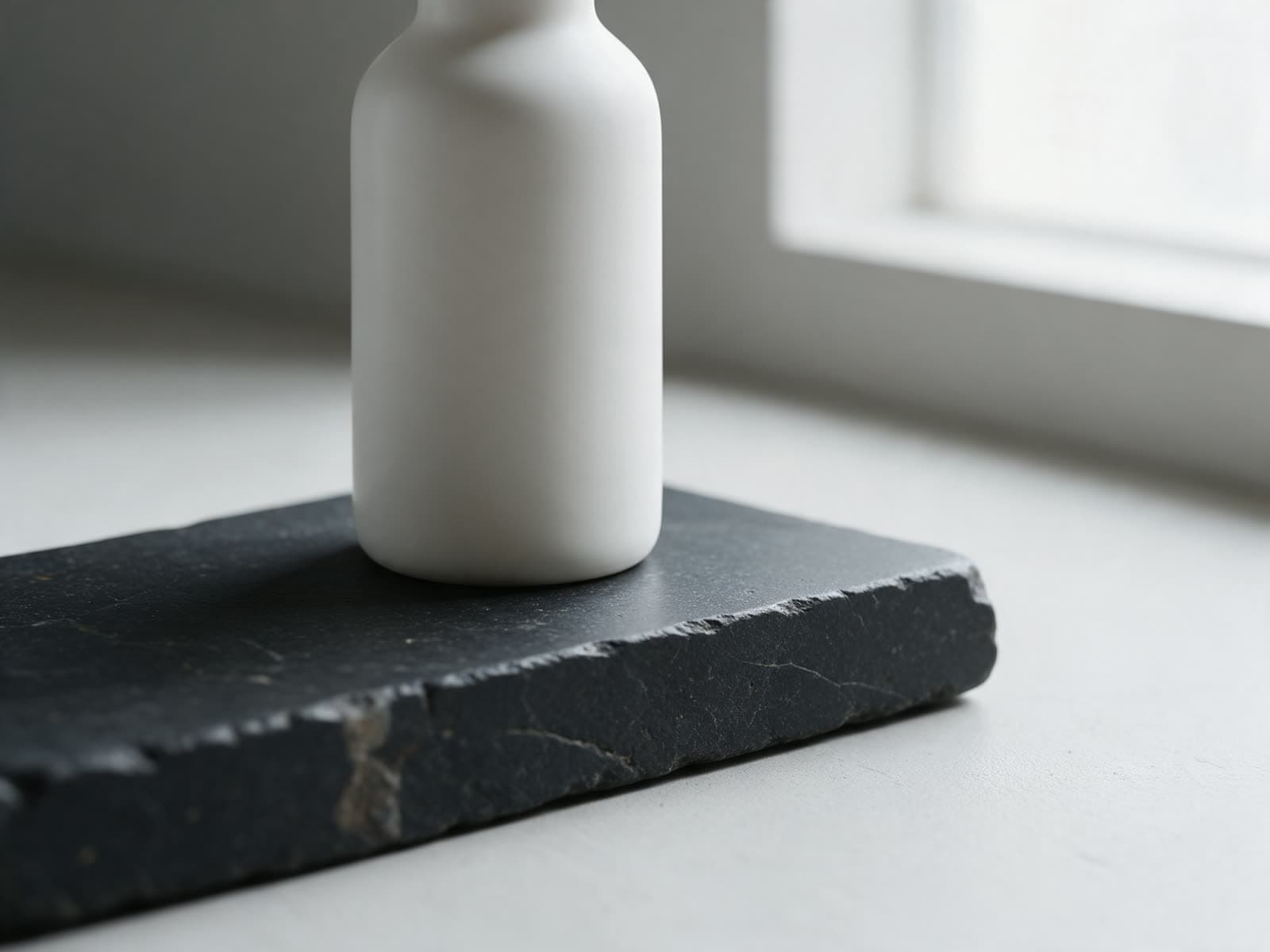
- Subject: the main thing in the frame, with one or two details. "A ceramic bottle with a matte white glaze."
- Setting: where it is and what is around it. "On a slab of dark stone."
- Light: where it comes from and how hard it is. "Soft window light from the left."
- Camera: distance and angle. "Close up, eye level."
A matte white ceramic bottle on a slab of dark stone, soft window light from the left, close up, eye level
All four parts in one line.
Describe what a camera would see
Words like "beautiful", "stunning" or "amazing" do very little, because they do not describe anything visible. Replace them with things the model can draw: a material, a color, a time of day, a texture. "Wet black stone" says more than "a nice surface". "Hard noon sun with short shadows" says more than "great lighting".
The same goes for mood. Instead of "a sad scene", describe what makes it sad: an empty bus stop at night, rain on the glass, one person sitting far from the light. The model is good at drawing details and less good at guessing feelings.
One idea per image
A prompt that asks for five things usually gets three of them. If you want a person, a product, a city at night and a sunset in one frame, the model has to choose what to drop. Keep each image to one main idea. If you need more, make several images and combine them later, or use a model that edits an image you already have.
Text inside the image
If you want words on a poster or a label, put the exact words in quotes and keep them short. Say where they go: "the word OPEN in large white letters across the top". Some models are much better at lettering than others. The model pages say which ones handle text well, and the catalog lets you search for them.
Prompts for video
Video prompts need one more part: motion. Describe one clear movement and one camera move at most. "The fox turns its head toward the camera, slow push in" works. "The fox runs, jumps, turns and the camera orbits and zooms" usually falls apart. Short clips can only fit one action, so pick the one that matters.
A red fox stands in tall frosted grass at first light, it turns its head toward the camera, slow push in, shallow depth of field
When the result is wrong
- The subject is wrong: move it to the very start of the prompt and add one detail about it.
- Something extra appeared: remove words that might suggest it. Models take every noun as a request.
- The style is off: name the medium plainly, such as "photo", "3D render" or "flat illustration".
- The framing is off: say the shot size, such as "full body", "close up" or "wide shot", and pick the aspect ratio before you generate.
Presets are a good shortcut while you learn. Each one is a tested prompt template with a model already chosen. You type the subject and the preset fills in the light, the camera and the style. Open one, read the prompt it builds, and you will see the same order at work.