Make images and video with the best models, in one studio.
Type what you want to see, choose image or video, and the studio does the rest. You pay with credits, only for what you make.
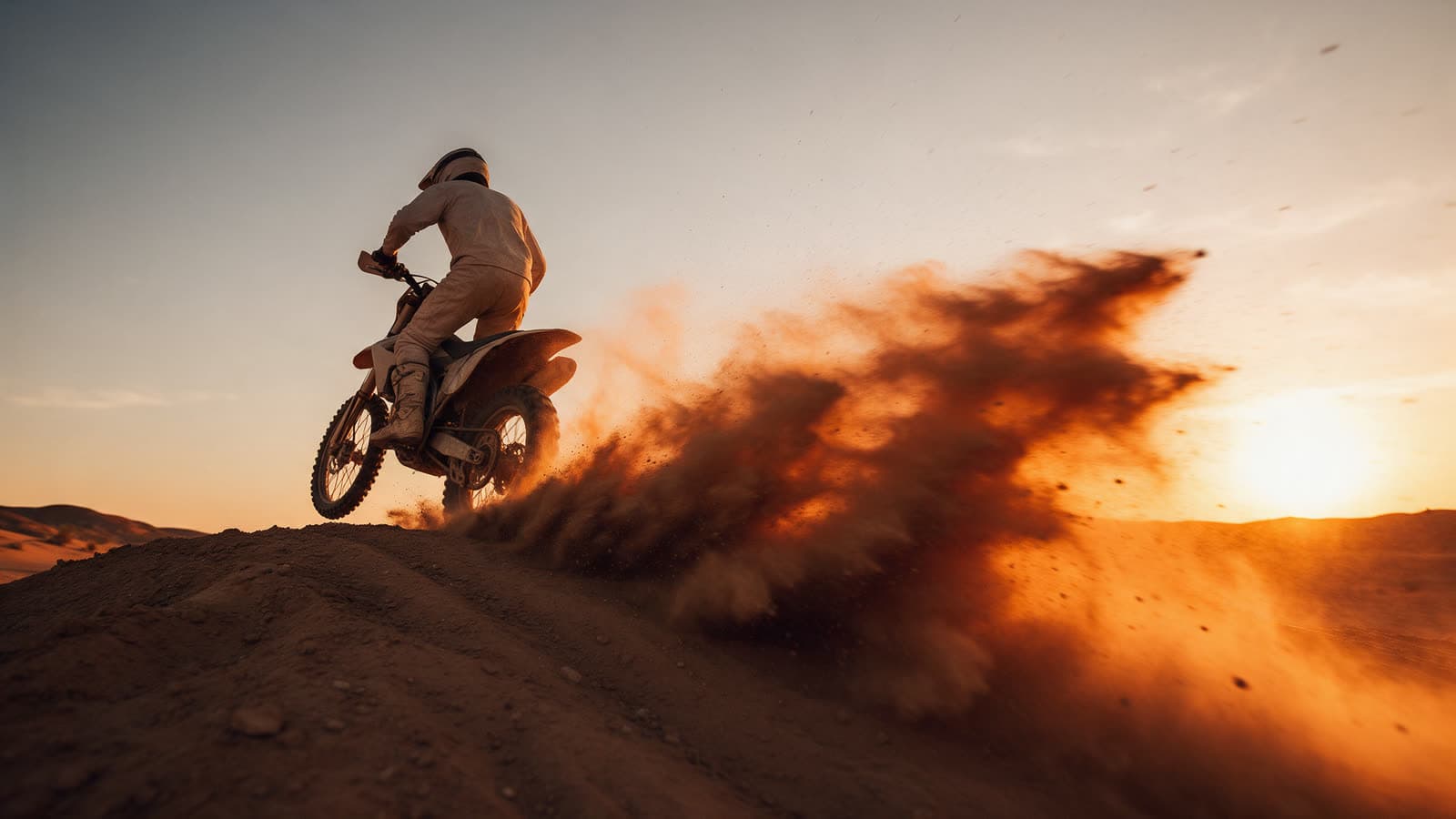 Action
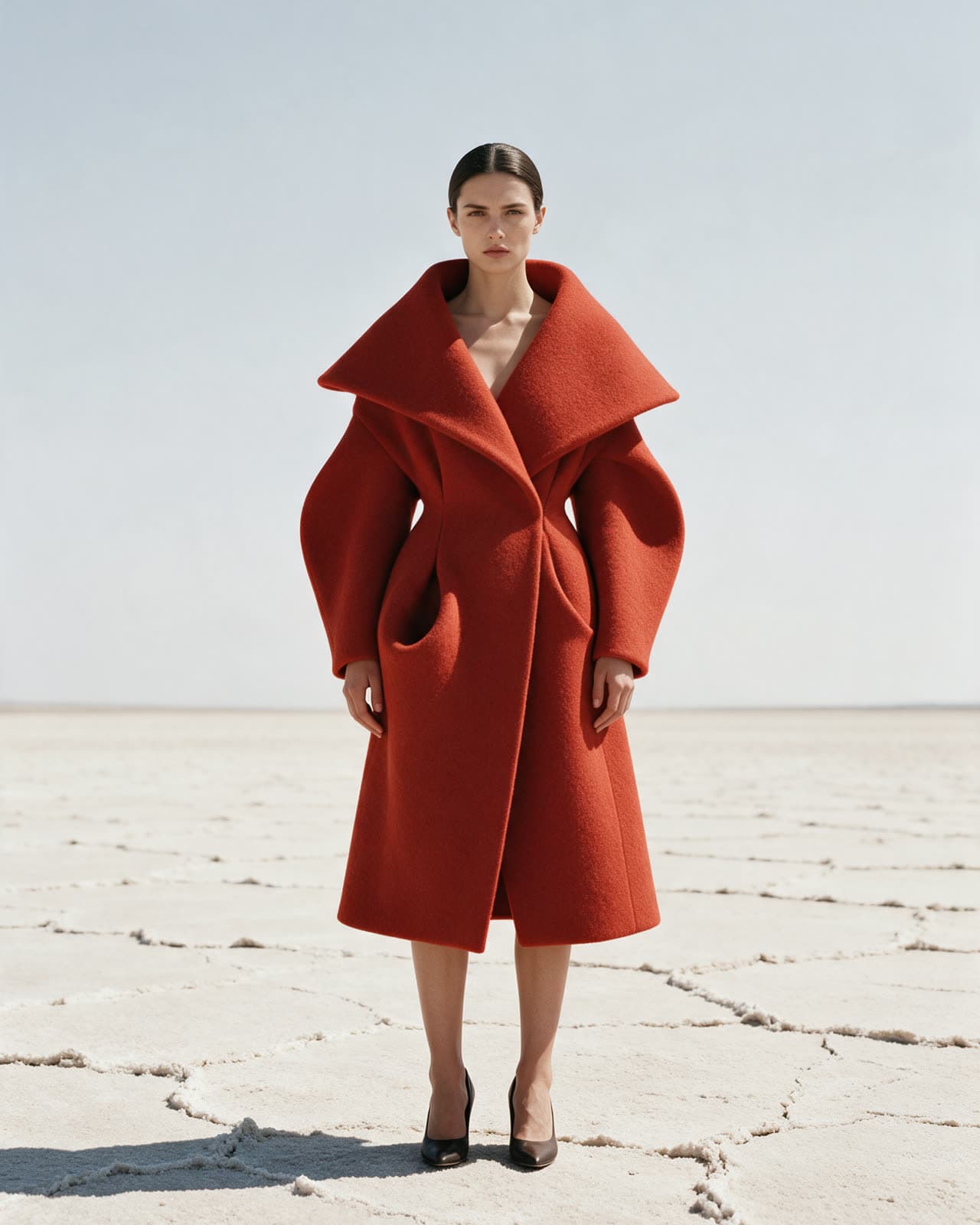 Fashion editorial
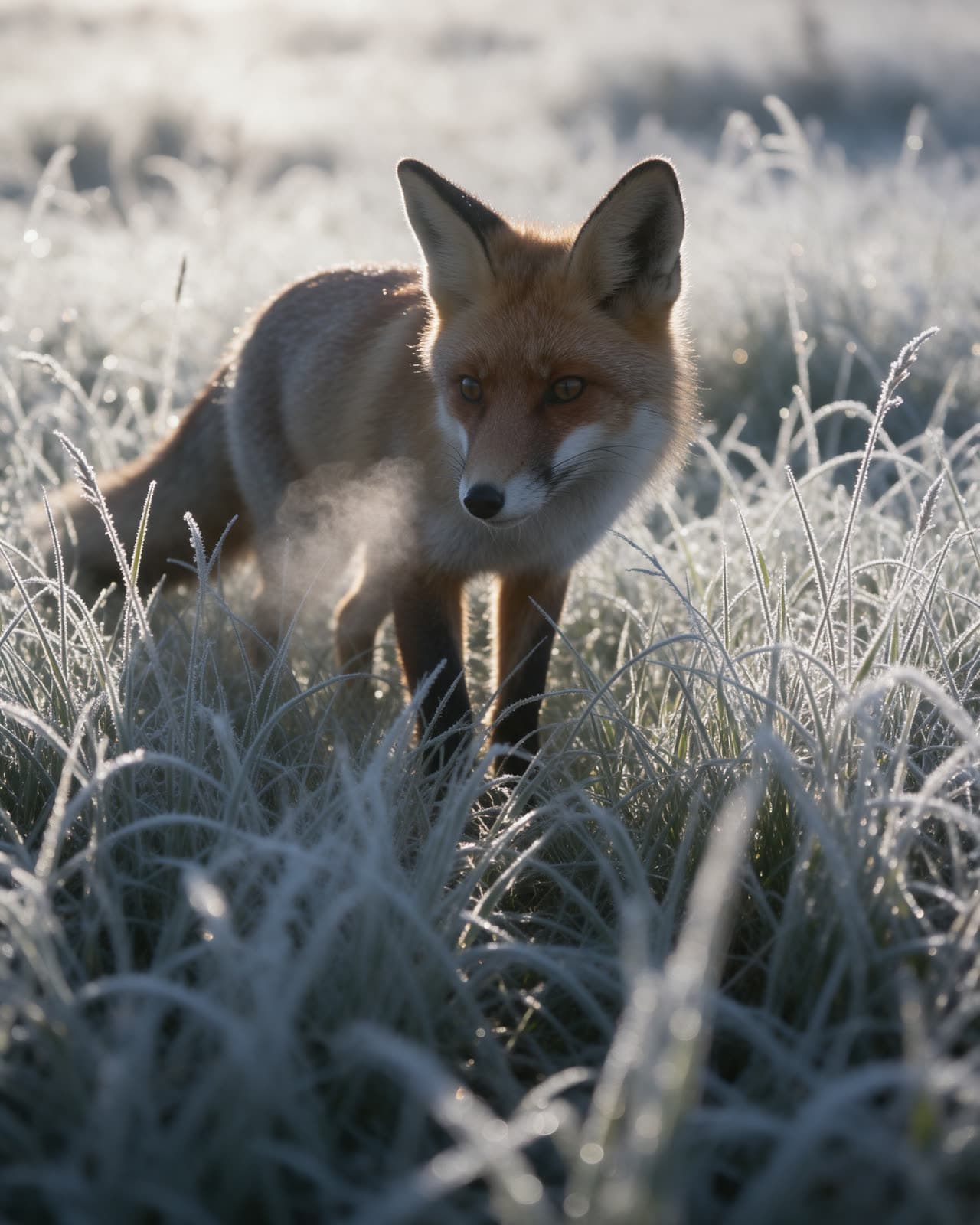 Nature
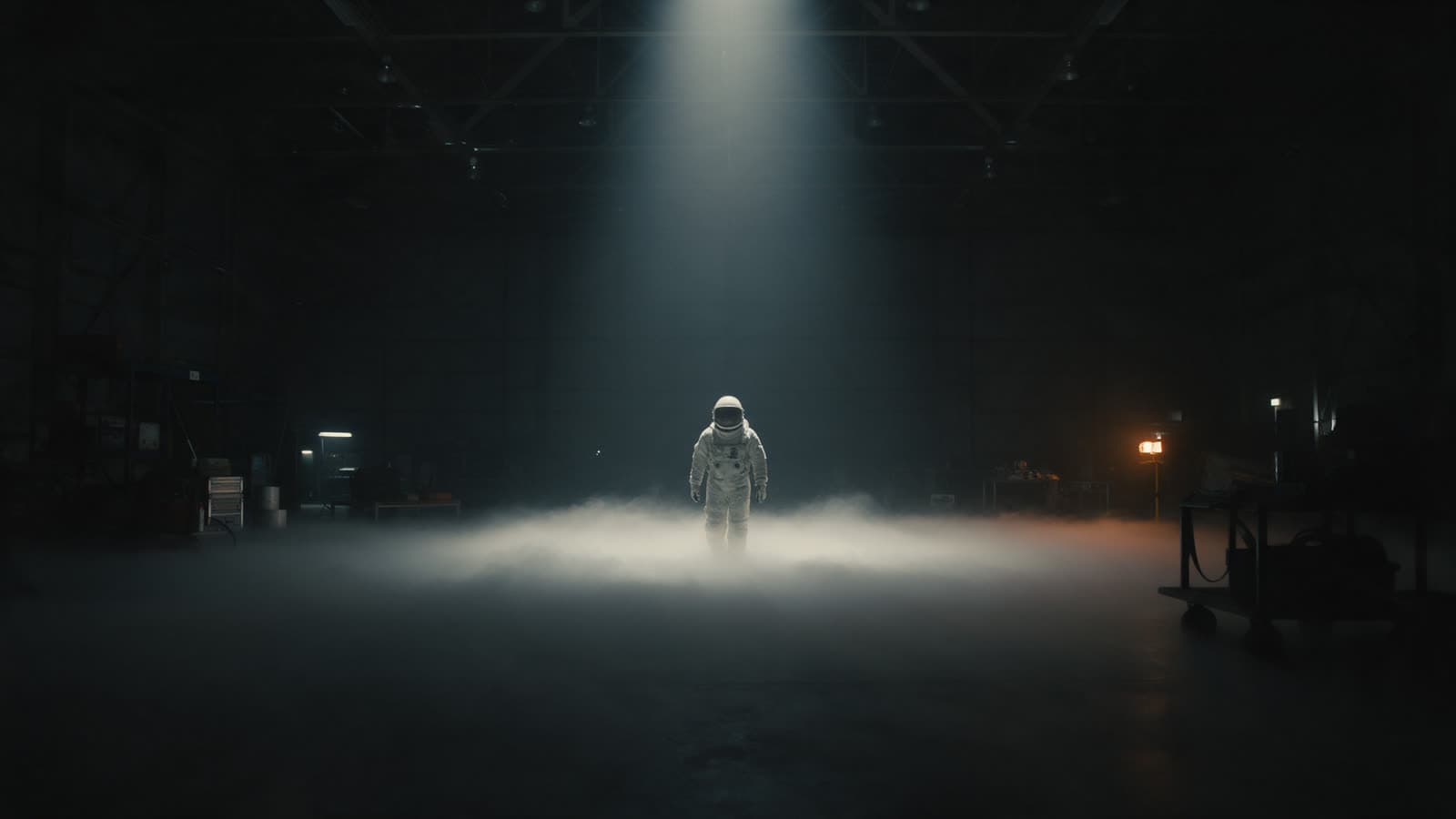 Sci-fi
New models
The latest additions to the studio. Each one is ready to use with your credits.
 NewGPT Image 2.5OpenAI
Follows long prompts closely, good with layout and text.
6credits per imageTry NewNano Banana 2Google
Quick drafts and edits at a lower cost.
3credits per imageTry NewFLUX 3Black Forest Labs
Sharp detail, strong for architecture and worlds.
4credits per imageTry NewSeedance 2.5ByteDance
Smooth motion and steady camera moves.
10credits per secondTry NewWan 3.0Alibaba
Balanced quality at a moderate cost.
6credits per secondTry- NewGrok Imagine Video 1.5xAI
Fast clips for quick ideas.
8credits per secondTry - NewSeedance 2.5 Talking AvatarByteDance
Make a portrait speak a line you write.
8credits per secondTry
What you can make
Pick a task to open the studio with a model that does it. You can switch models at any time.
Write a sentence and get a picture.
7 models
Start from your photo and change its look.
6 models
Say what to change and keep the rest.
5 models
Describe a scene and get a short clip.
8 models
Bring a still image to life with motion.
8 models
Make a small image or clip sharper and larger.
2 models
Give a face a voice from an audio file.
1 model
Cut out the subject in one step.
1 model
Add more seconds to a clip you made.
1 model

Start from a preset
A preset picks the model and writes most of the prompt. You add your subject and press Generate.
 MotionSlow push inSeedance 2.5
The camera moves slowly toward your subject for a calm, focused shot.
 MotionOrbit shotKling 3.0
The camera circles your subject once, like a turntable in space.
 MotionCrash zoomWan 3.0
A fast zoom that snaps onto your subject for energy and surprise.
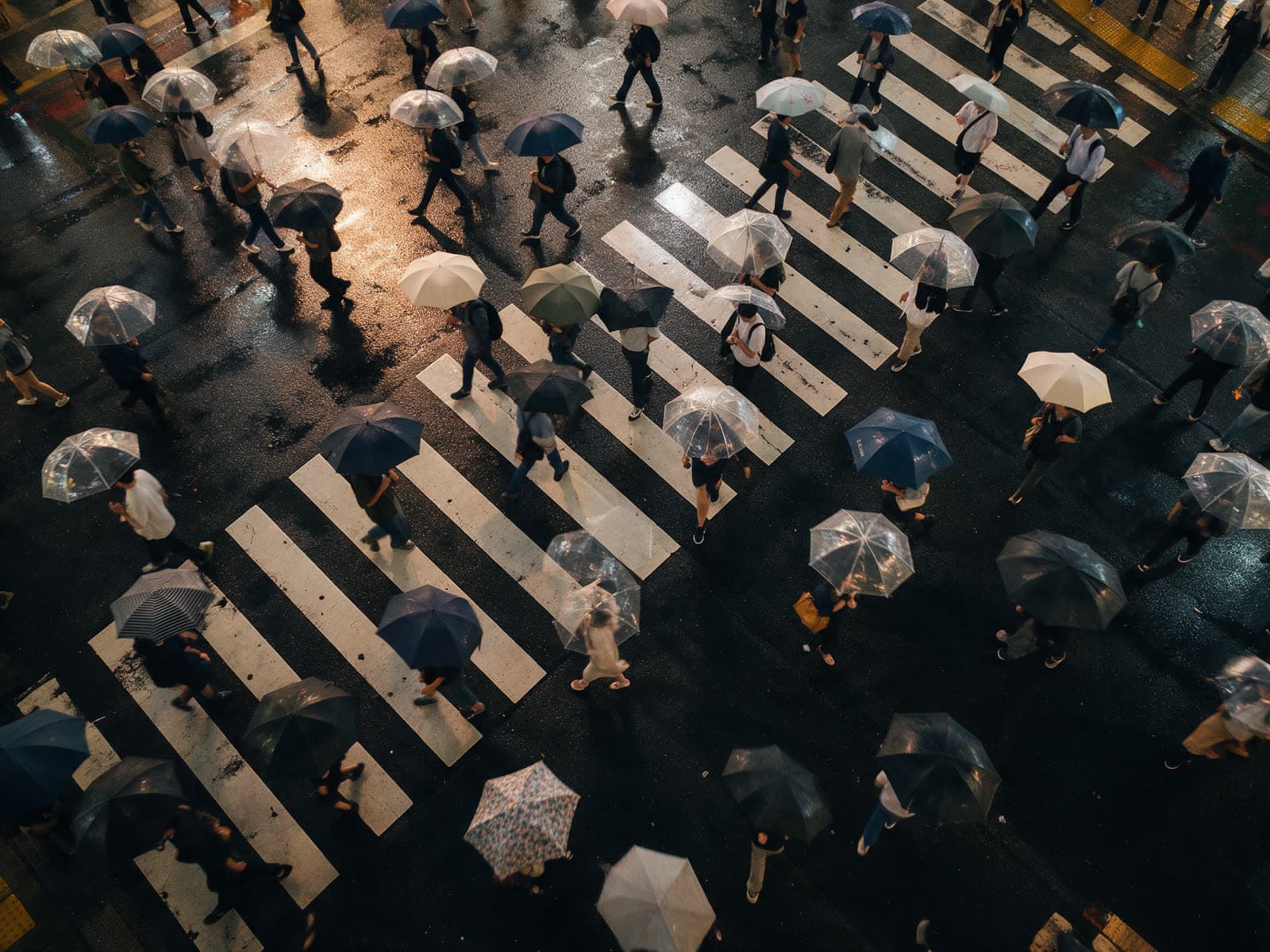
 CinematicRain at nightVeo 3.1
Wet streets, reflections and soft city light after dark.
- CinematicGolden hourSeedream 5.0 Pro
Low, warm sun with long shadows and a soft haze.
- CinematicFilm stillGPT Image 2.5
A wide frame that looks like a moment paused from a movie.
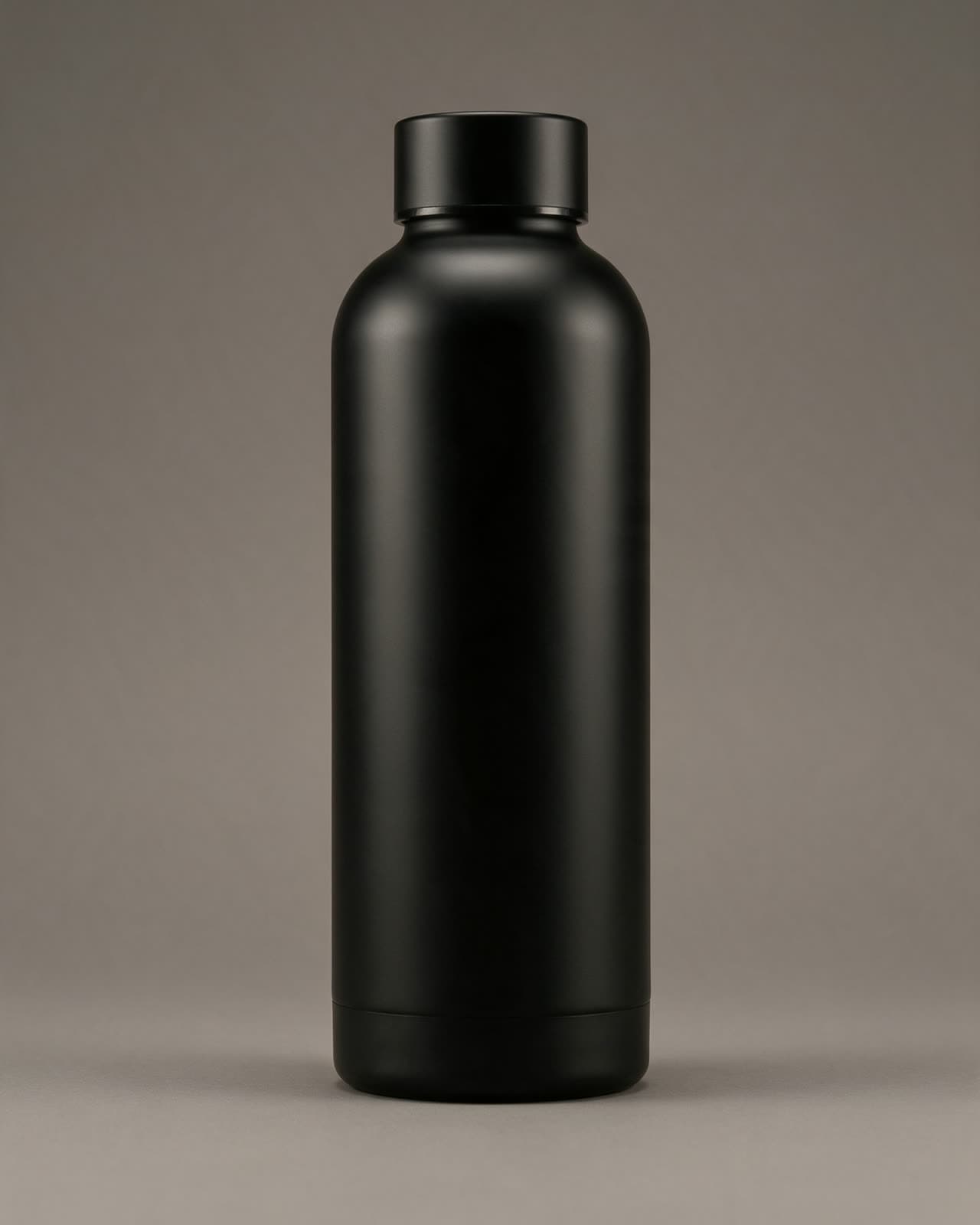 ProductStudio packshotGPT Image 2.5
Your product on a clean surface with soft studio light.
 ProductFloating productNano Banana Pro
The product hovers in the air with a soft shadow below.
How it works
Three steps from an idea to a finished image or clip.
Describe it
Write what you want to see in a sentence or two. Or start from a preset and only add your subject.
Pick a model
Choose image or video and a model. The studio shows the cost in credits before you start.
Get your result
Watch the render progress. When it is done, the result is saved in your history so you can come back to it.
Simple plans, paid in credits
Every plan adds credits each month. Each model shows its cost before you generate.
Free
Try the studio and a few models.
$0per month
60credits each monthCreator
SuggestedFor regular posting and side projects.
$12per month
1,200credits each monthPro
For freelancers and daily client work.
$32per month
4,000credits each monthStudio
For small teams that make a lot.
$89per month
12,000credits each month
What is Generato?
Which model should I start with?
What is a credit?
Do I pay for a failed render?
Who owns what I make?
Is this the live service?
Your first image is a sentence away.
Make a free account and start with the credits it comes with.