Image generator
Images from a sentence.
Describe the picture you want: the subject, the place, the light. Choose a model and get your image. You can also upload a photo and say what to change.
Quick start
- Image models
- 11
- Lowest cost
- 2credits per image
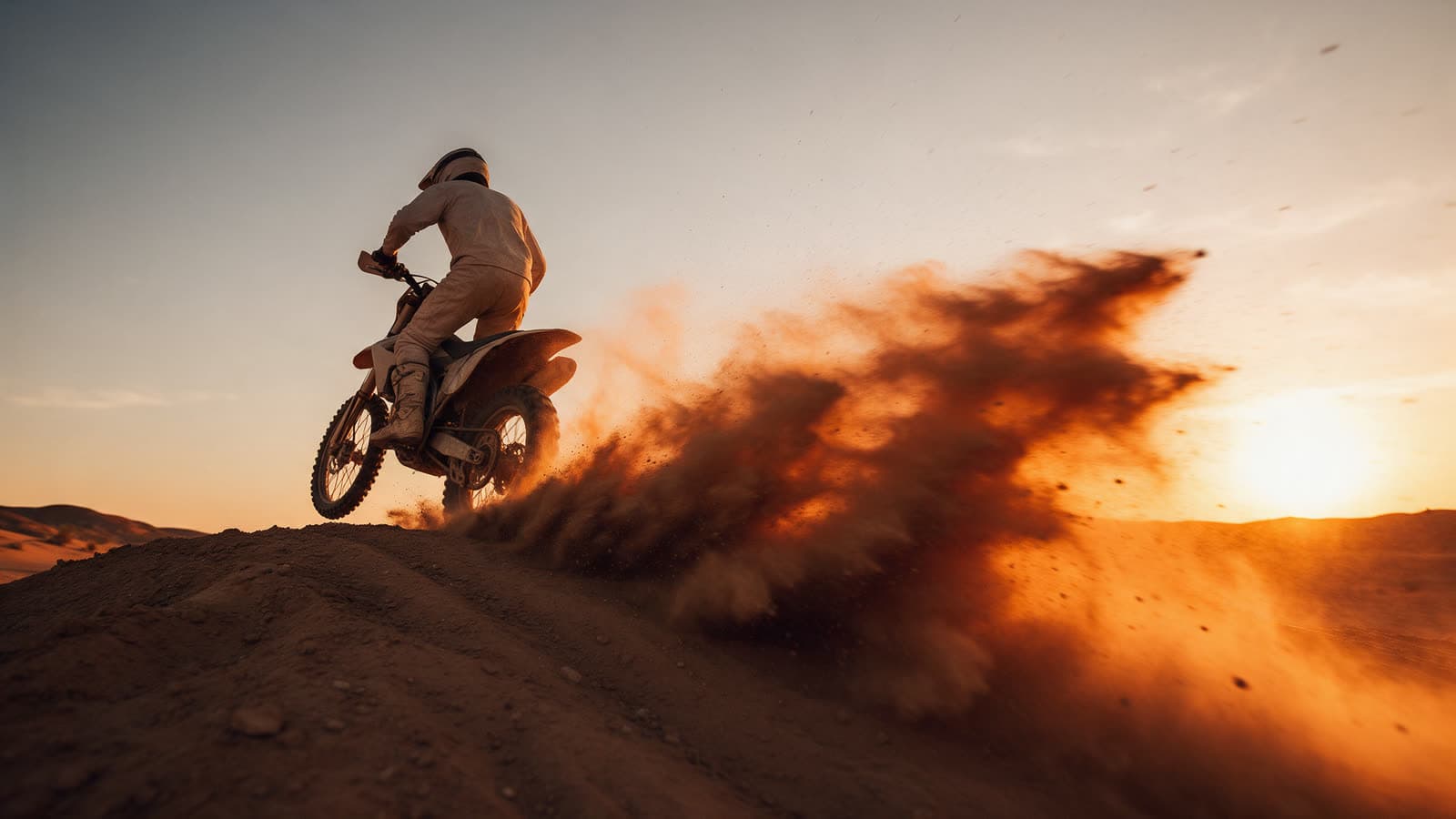
 Sample
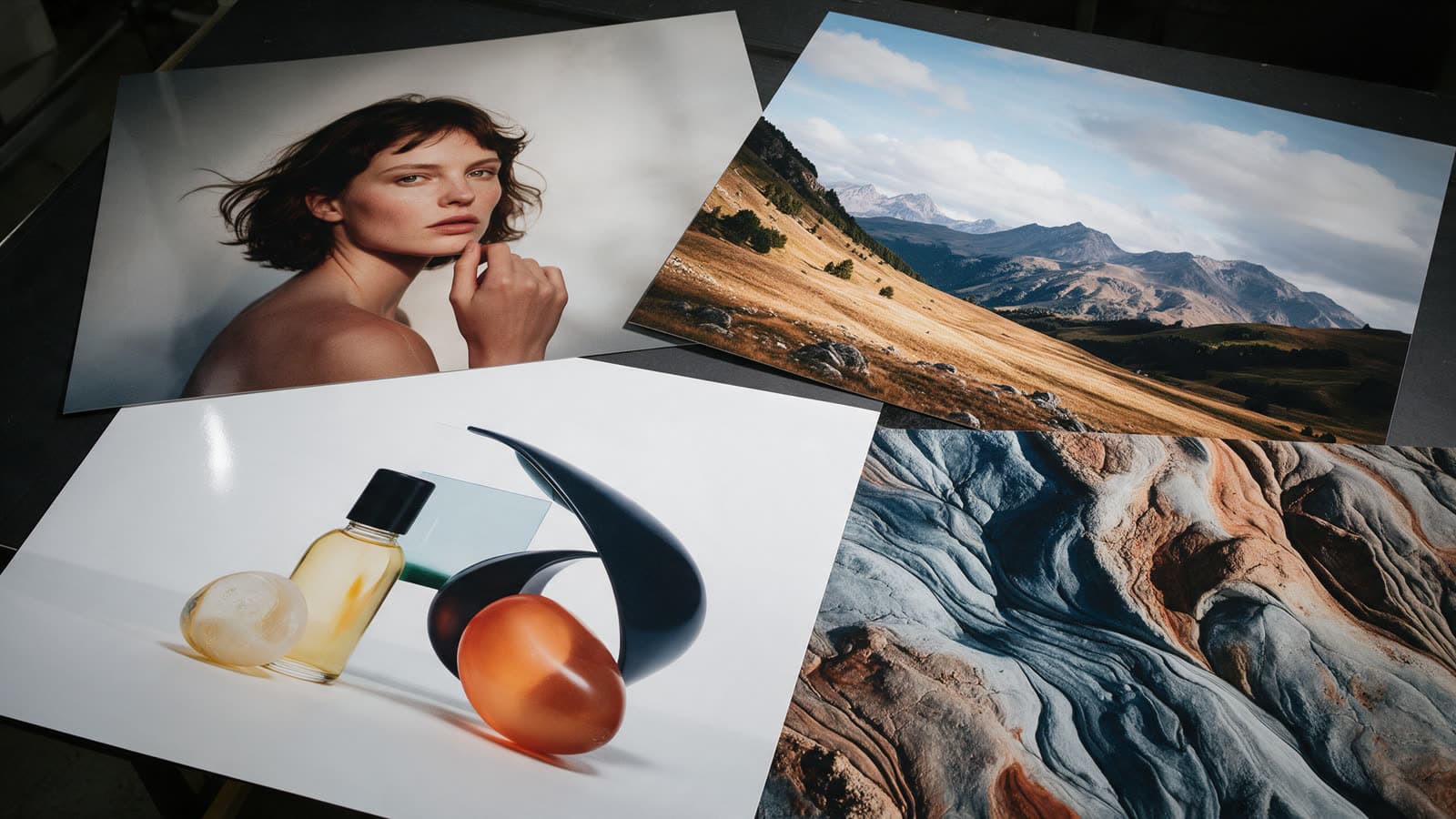
 Sample
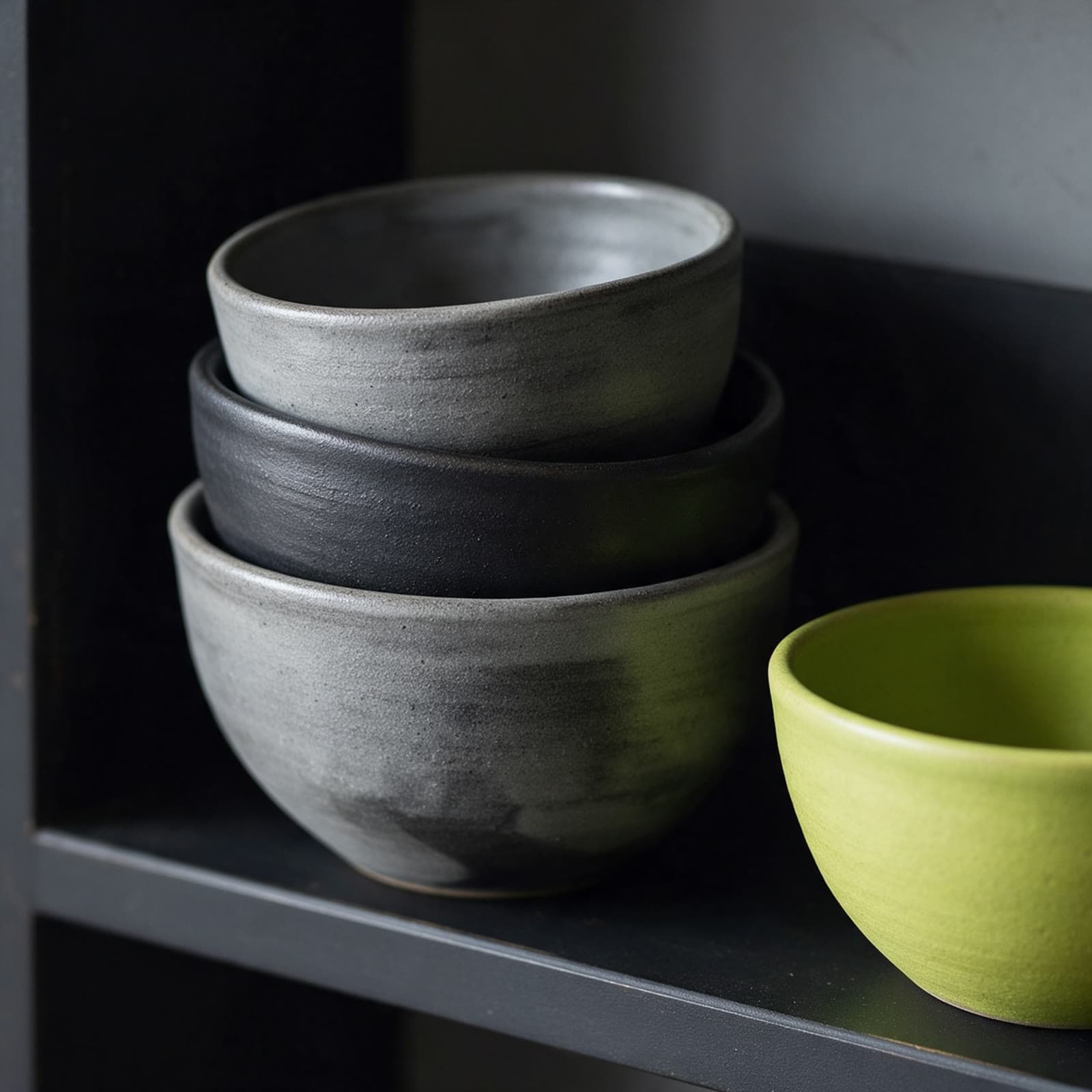
 Sample
Image models
See all modelsModels
Pick an image model
Each model has its own strengths. Every card shows what one image costs.
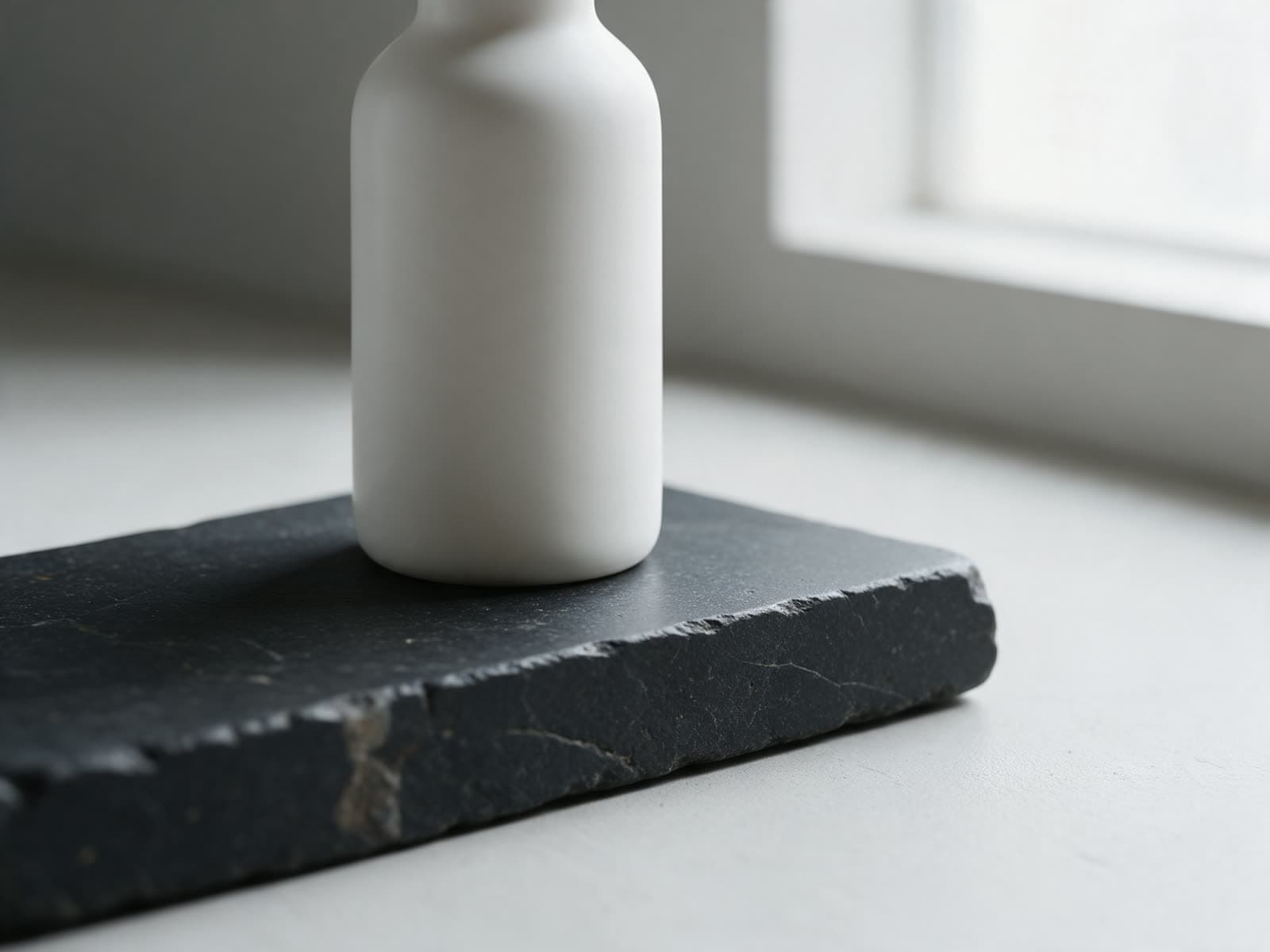 NewPopularGPT Image 2.5Sample
OpenAI
Follows long prompts closely, good with layout and text.
Text to image, Image to image, Edit image
Output 1K, 2K
6credits per image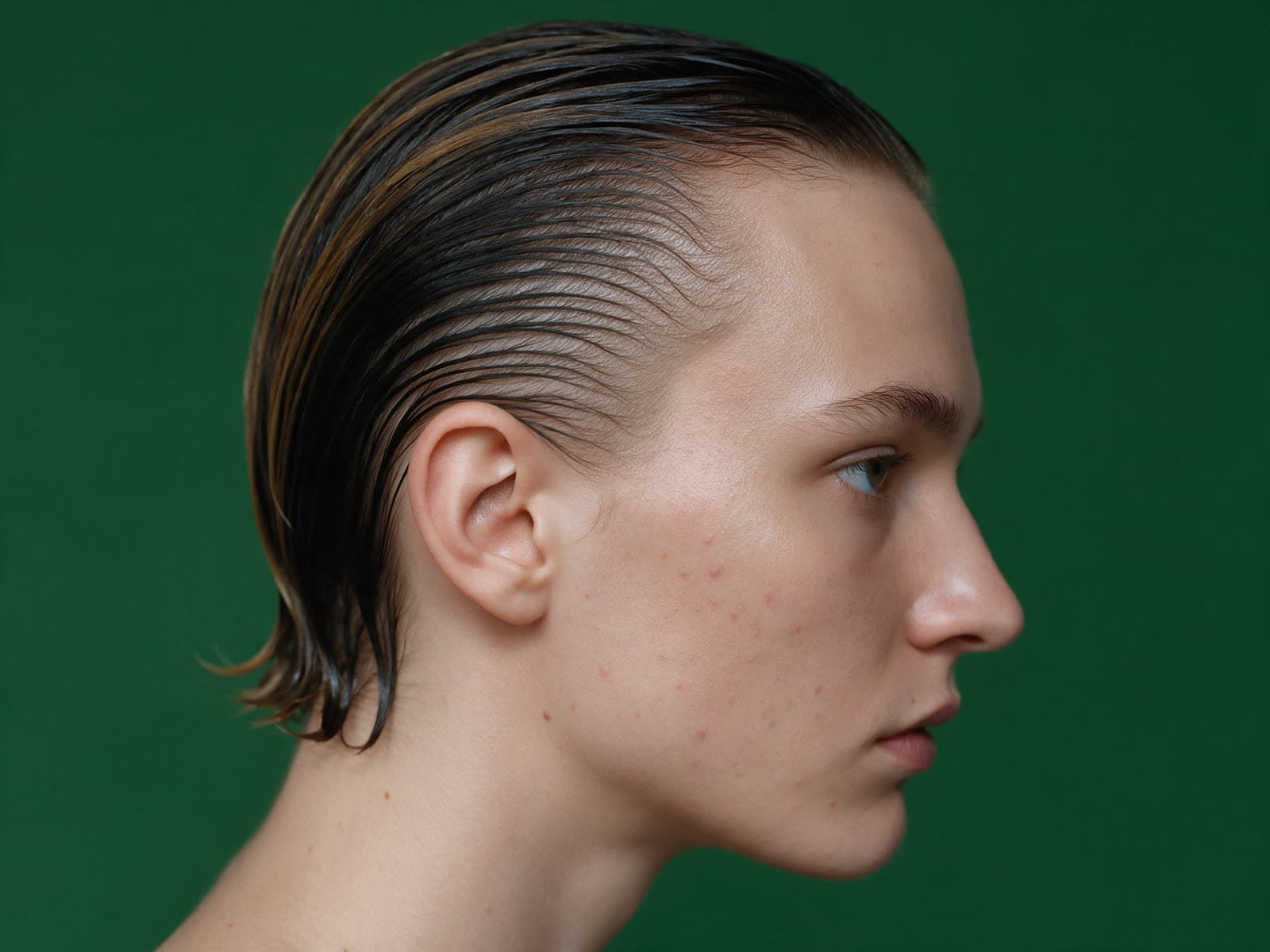 PopularSeedream 5.0 ProSample
ByteDance
Rich, photographic images with strong color.
Text to image, Image to image
Output 1K, 2K, 4K
4credits per image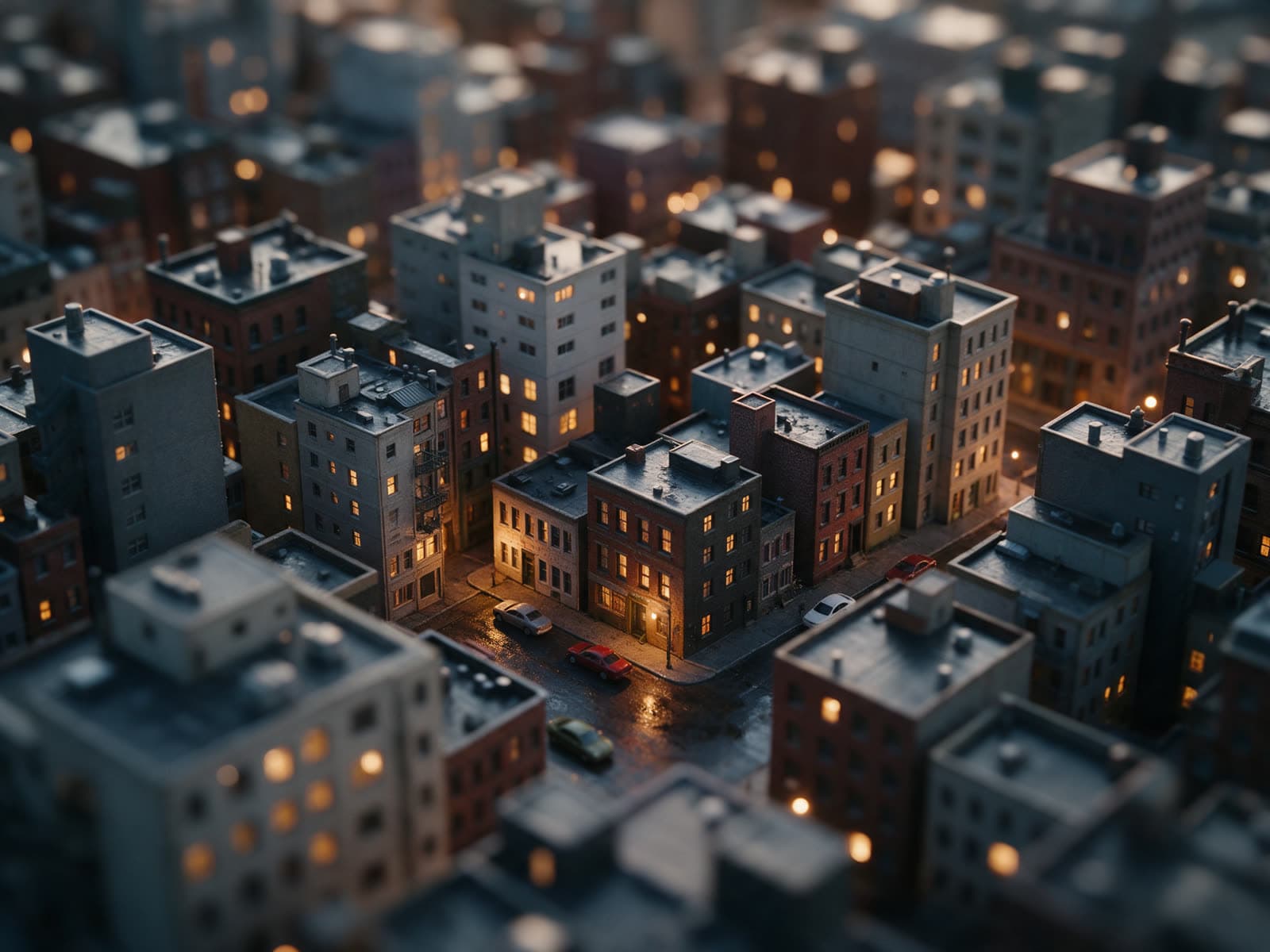 PopularNano Banana ProSample
Google
Edits by instruction and keeps a subject consistent.
Text to image, Image to image, Edit image
Output 1K, 2K, 4K
6credits per image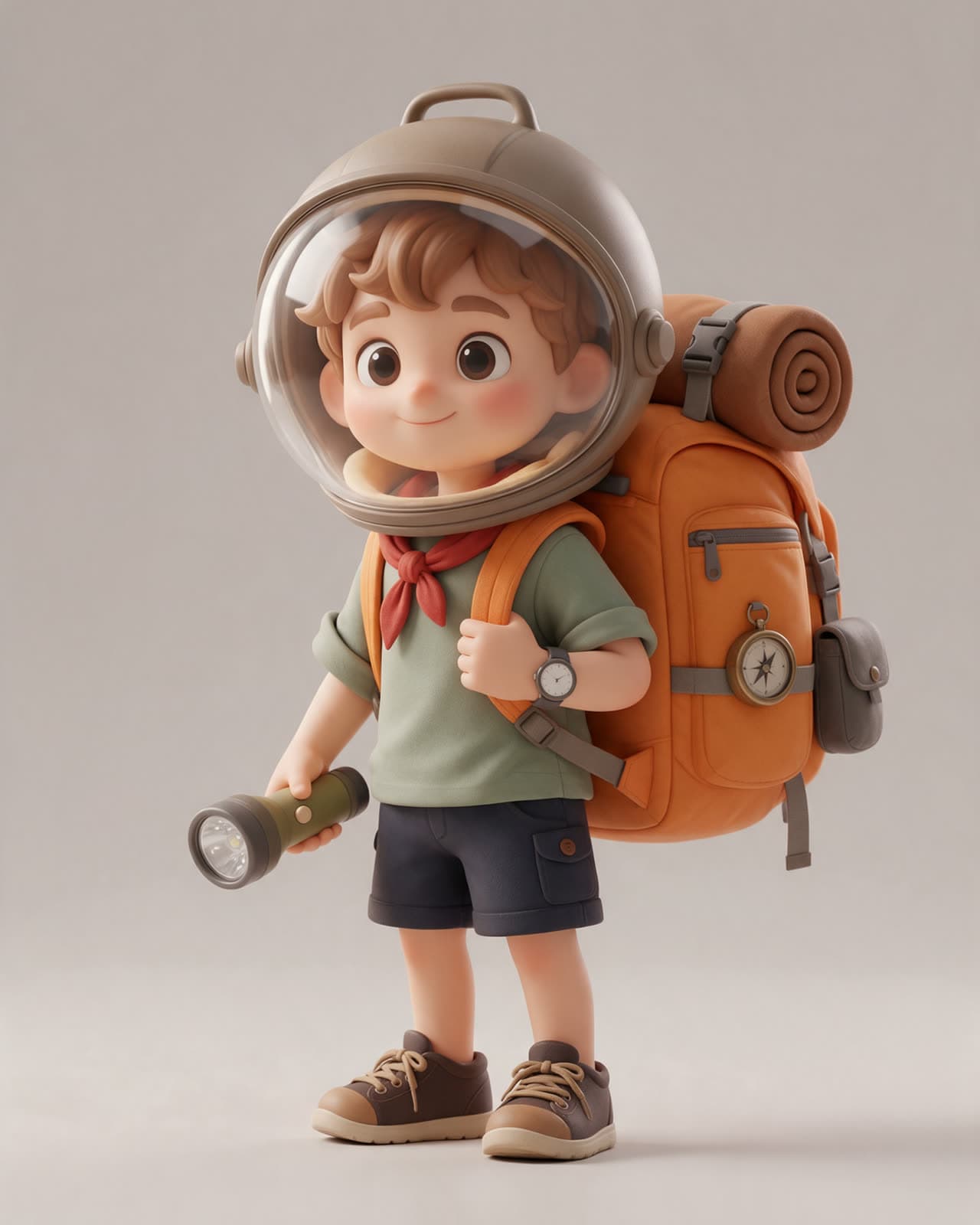 NewNano Banana 2Sample
Google
Quick drafts and edits at a lower cost.
Text to image, Edit image
Output 1K, 2K
3credits per image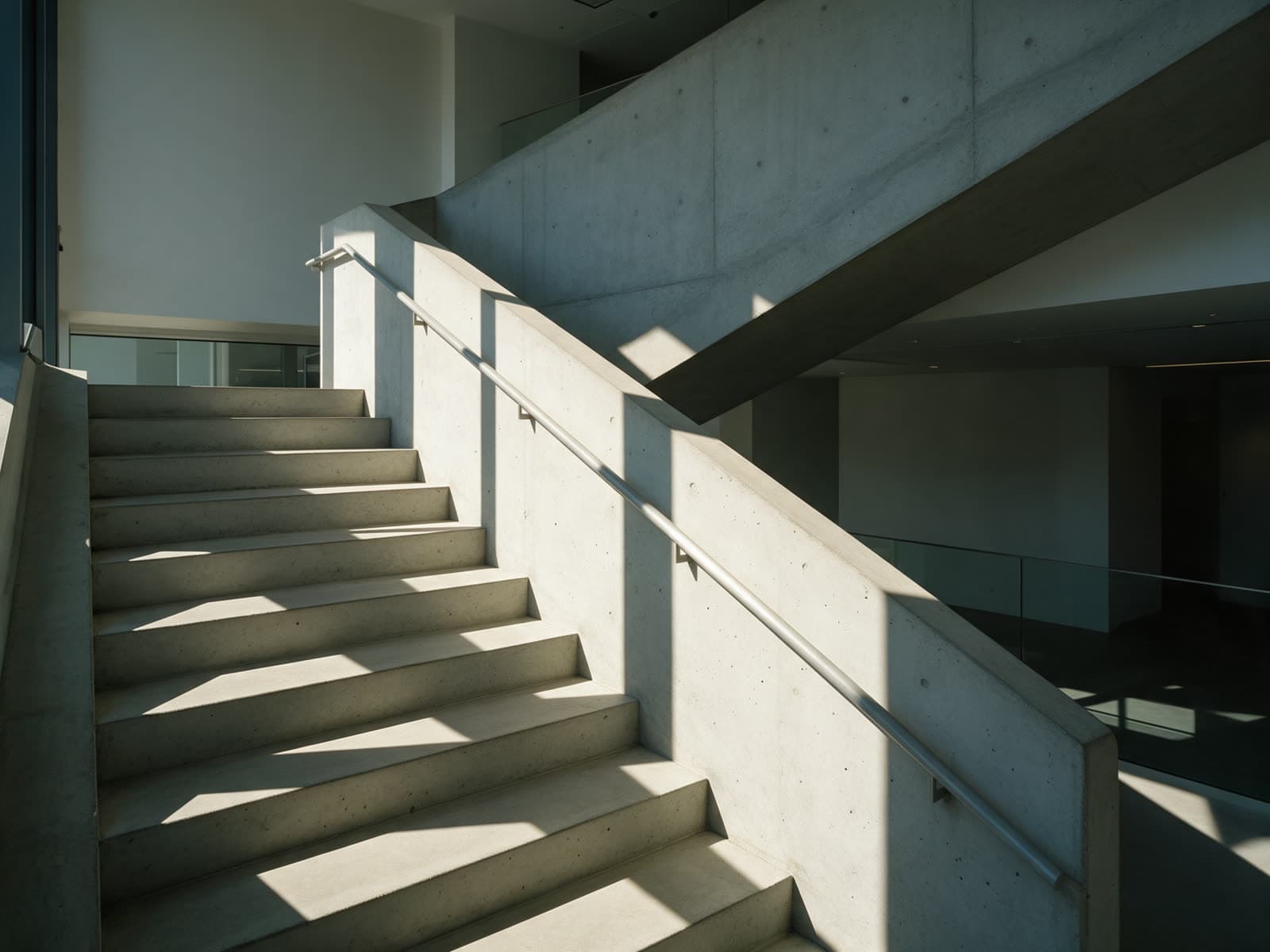 NewFLUX 3Sample
Black Forest Labs
Sharp detail, strong for architecture and worlds.
Text to image, Image to image
Output 1K, 2K
4credits per image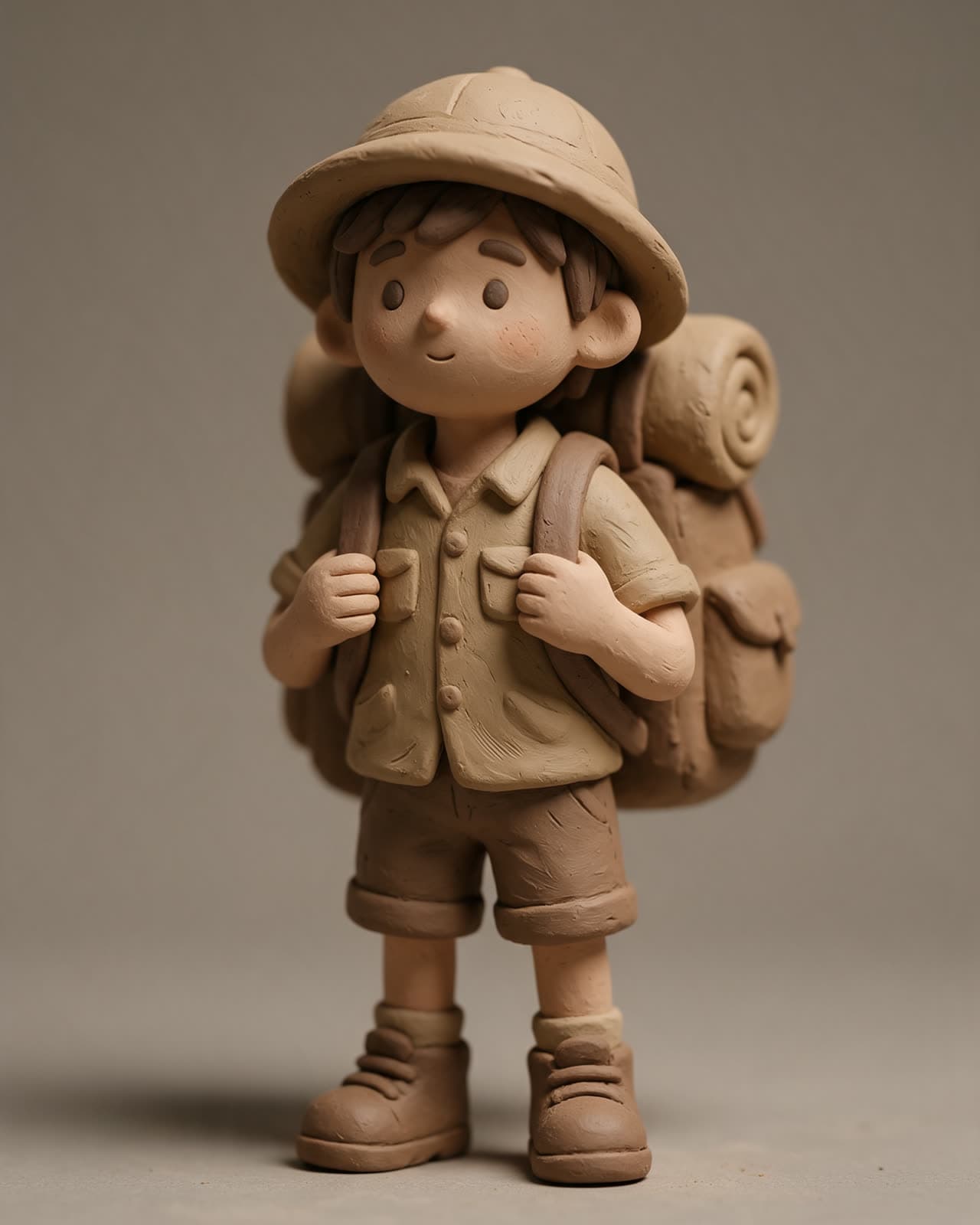 FLUX KontextSample
Black Forest Labs
Restyle or change an image you upload.
Edit image, Image to image
Output 1K
4credits per image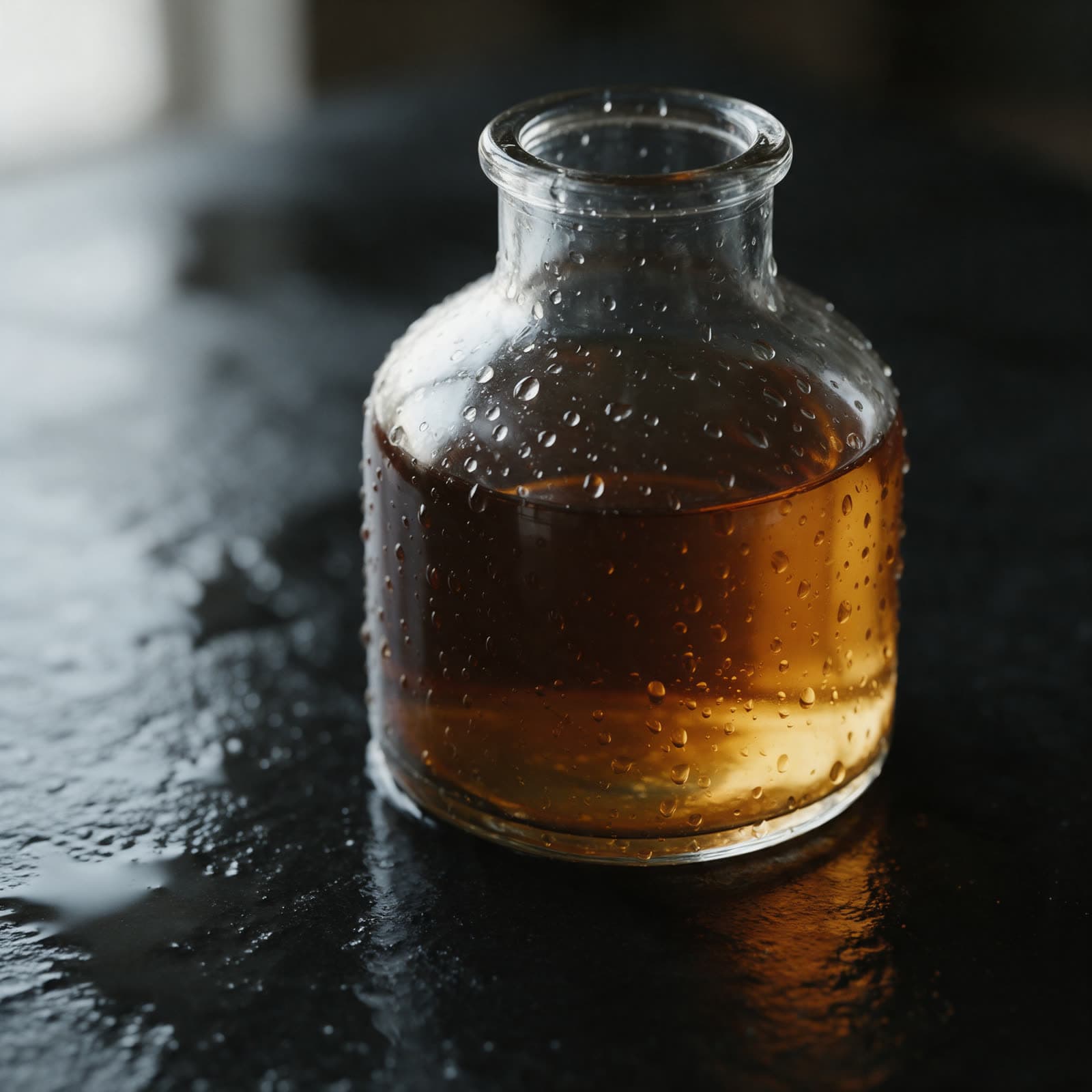 Ideogram 4.5Sample
Ideogram
Good at posters and lettering inside images.
Text to image, Image to image
Output 1K, 2K
5credits per image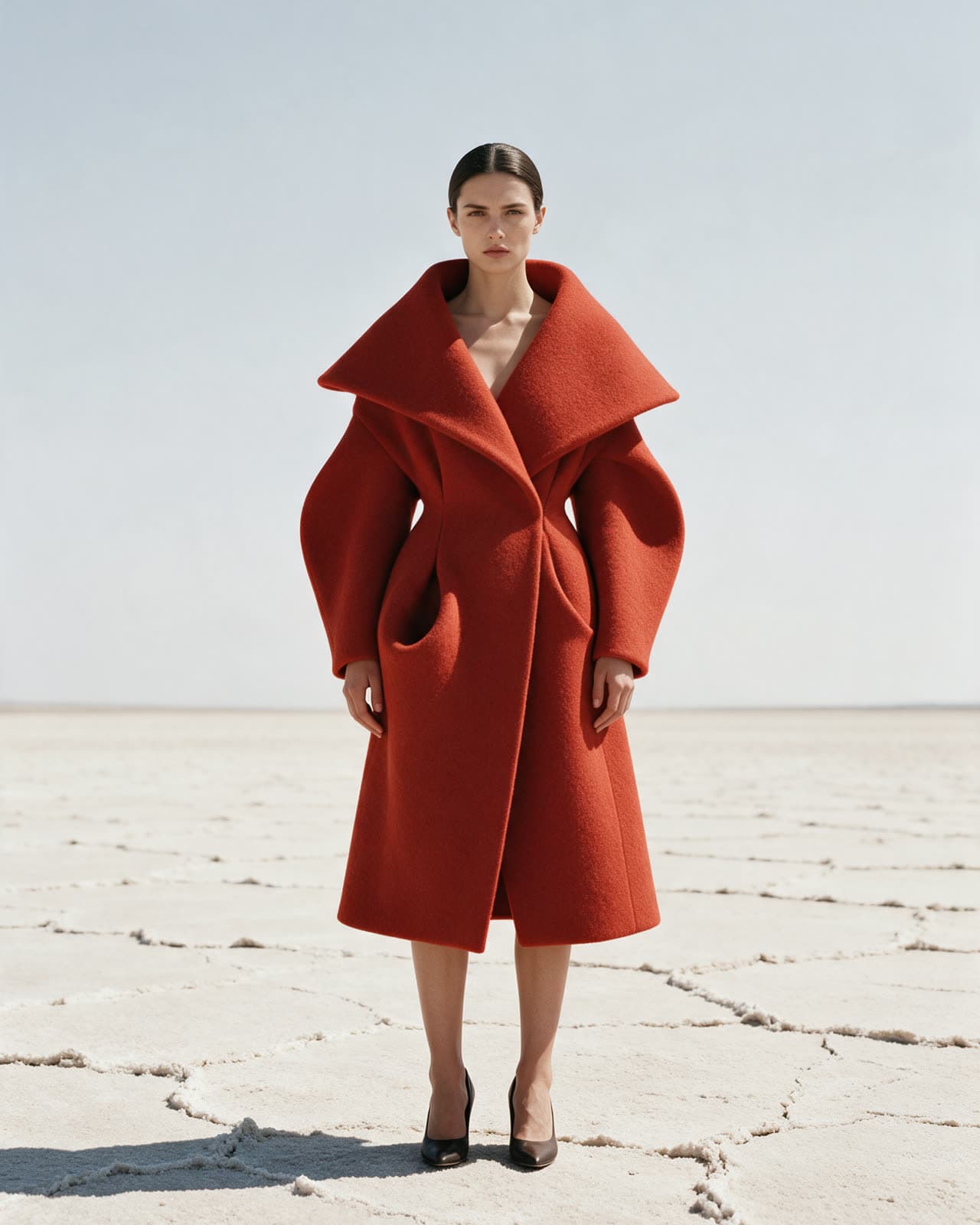 Qwen Image 3Sample
Alibaba
Low cost images for drafts and volume.
Text to image, Edit image
Output 1K
2credits per image- GPT Image 2Sample
OpenAI
The earlier GPT Image model at a lower cost.
Text to image, Image to image
Output 1K, 2K
4credits per image  NewSeedream 5.0 FlashSample
ByteDance
The fast Seedream for quick photographic drafts.
Text to image, Image to image
Output 1K, 2K
2credits per image- Recraft V3Sample
Recraft
Design minded images and clean illustration styles.
Text to image, Image to image
Output 1K, 2K
4credits per image
Samples
Prompts and what they made
Sample images made for this site, each with its prompt. Recreate one to open the studio with the same prompt and model.
- GPT Image 2.5Sample
Unlabelled clear glass bottle with amber liquid on wet black stone, water beads on the glass, one soft window light from the left, dark background
- Nano Banana ProSample
A small 3D explorer with a round glass helmet and an oversized orange backpack, soft studio light, plain warm grey backdrop, toy proportions
- GPT Image 2.5Sample
A matte white ceramic bottle without a label on a slab of dark stone, soft window light, close up, calm and precise
- Seedream 5.0 ProSample
Close portrait in profile, wet slicked hair, flat dark green backdrop, one soft key light, skin texture visible
- Nano Banana ProSample
A miniature city block at dusk, tilt shift, tiny warm lit windows, wet streets, toy scale cars without branding
- FLUX 3Sample
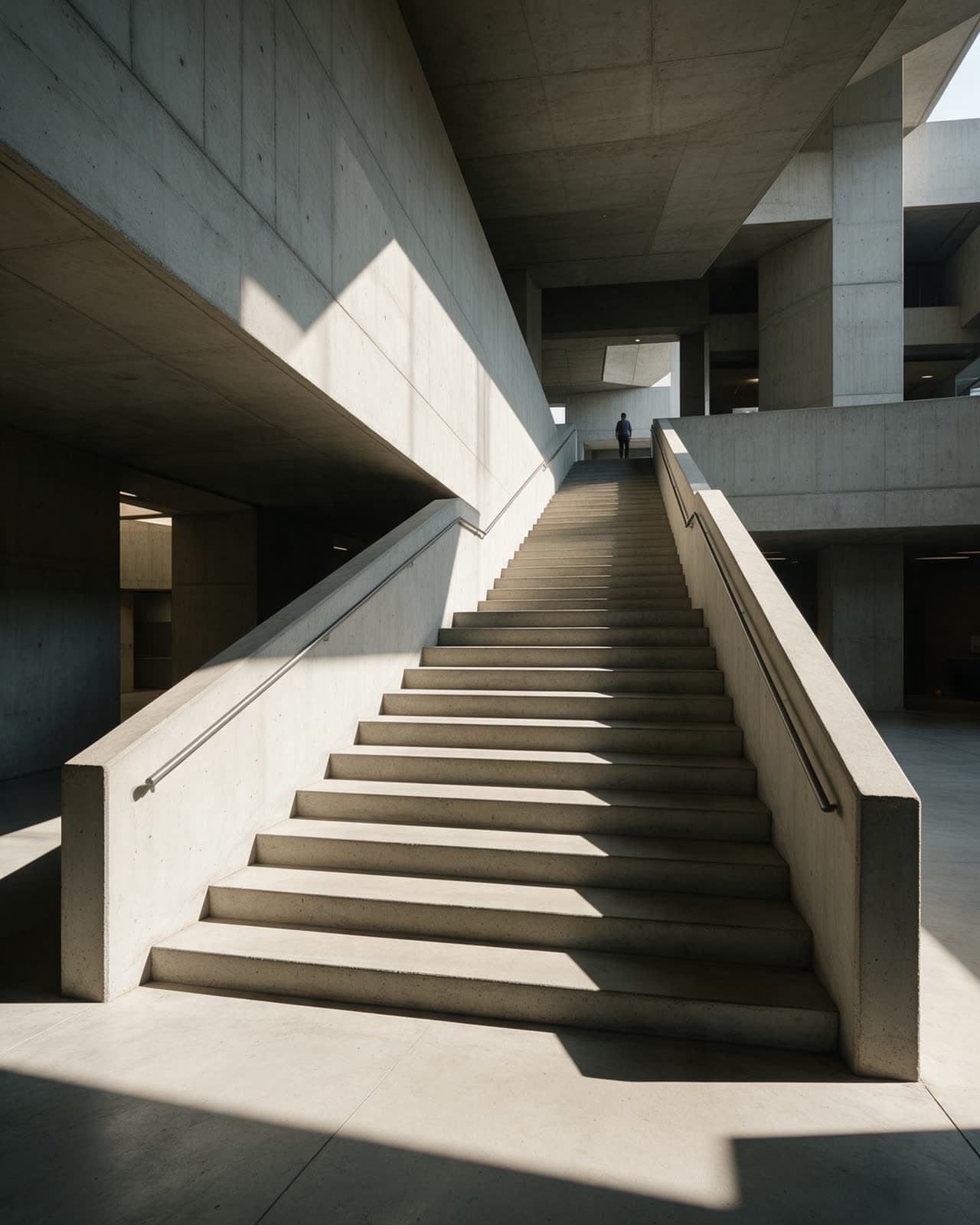
A raw concrete stairwell, hard afternoon sun cutting diagonal shadows across the steps, no people, crisp geometry
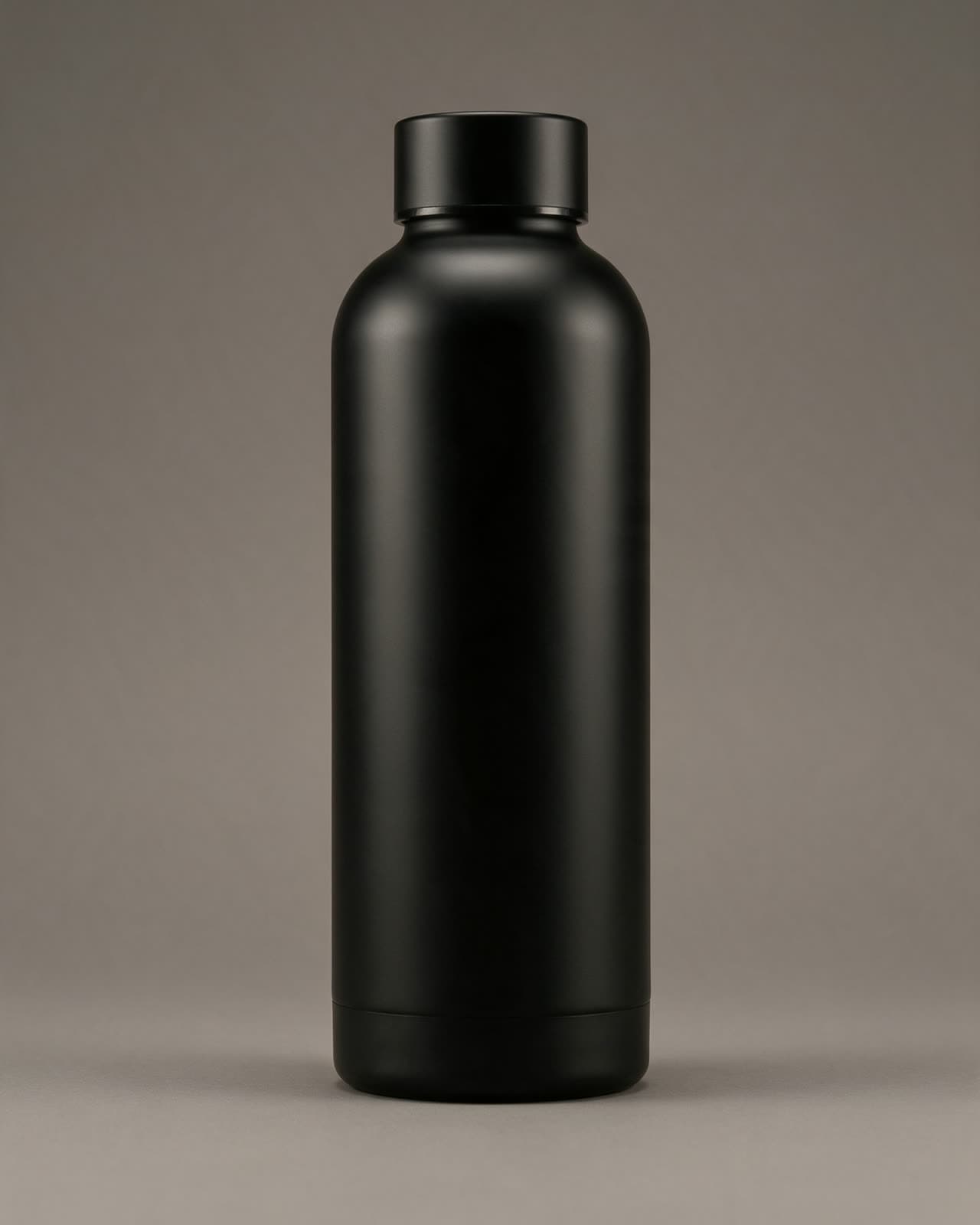 GPT Image 2.5Sample
A matte black water bottle, product photo on a seamless backdrop, soft key light, crisp edges, no text
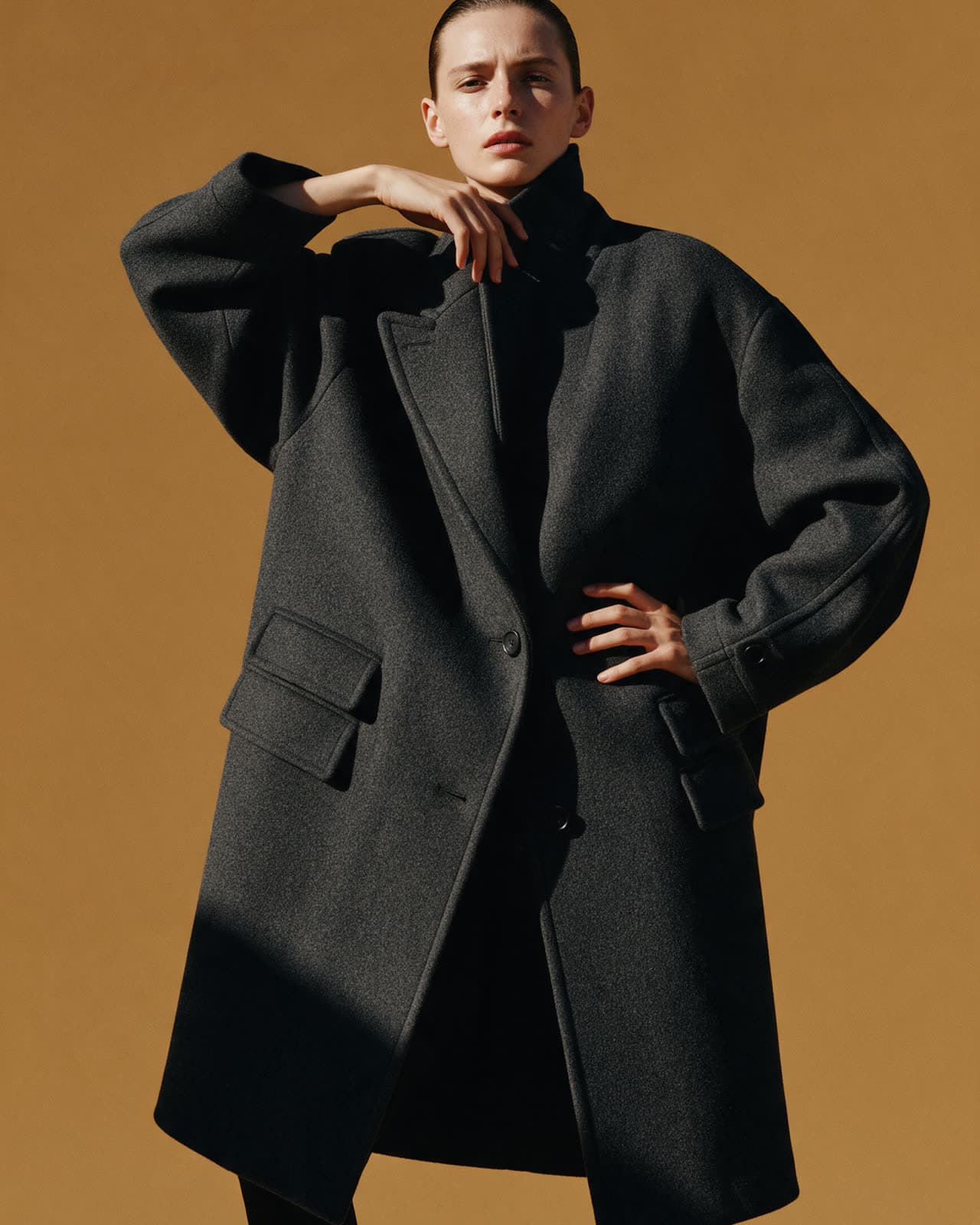 Seedream 5.0 ProSample
A model in an oversized wool coat, high fashion editorial photo, bold flat color backdrop, hard light, full body
Image tools
Finish the picture
Upscale it, cut out the subject, widen the frame or change the light. Drag the slider to compare.
Upscale image
Upload an image and get a larger, sharper version with natural texture. Use it before you print a result, crop in tight or post it at full size.
Sample images
Presets
Image presets
A preset picks the model and writes the style. You add the subject.
Three steps
How it works
Three steps from a sentence to a finished image.
Describe the picture
Say what is in it, where it is and what the light is like. Short and concrete works best.
Pick a model and shape
Choose an image model and a shape, square, tall or wide. The cost shows before you start.
Keep or change it
Download the image, make more like it, or upload it again and say what to change.
FAQ
Questions
Short answers to what people ask first. Prices live on the pricing page.
Which model should I start with?
Which sizes and shapes can I use?
Can I keep the same character across images?
What is a credit?
Who owns what I make?
Can I use results in commercial work?
Start
Make your first image
Open the studio in image mode and try it on the free plan credits.