About
One studio for the best models
An AI studio for creators. Pick a model or a ready preset, write what you want to see, and get images and video clips. You pay with credits.
What it is
Many models, one place to use them
New image and video models keep arriving, each from a different company, each with its own site, account and price. Generato puts them side by side in one studio, so you can pick the right one for the job without a separate account for each.
You pay with one balance of credits. Every model lists its own credit cost, so you can see what a render costs before you make it, and draft on a cheaper model before you finish on the one you like.
This is a preview build. Renders return sample results, prices are sample values, nothing is charged, and your account lives in this browser only.
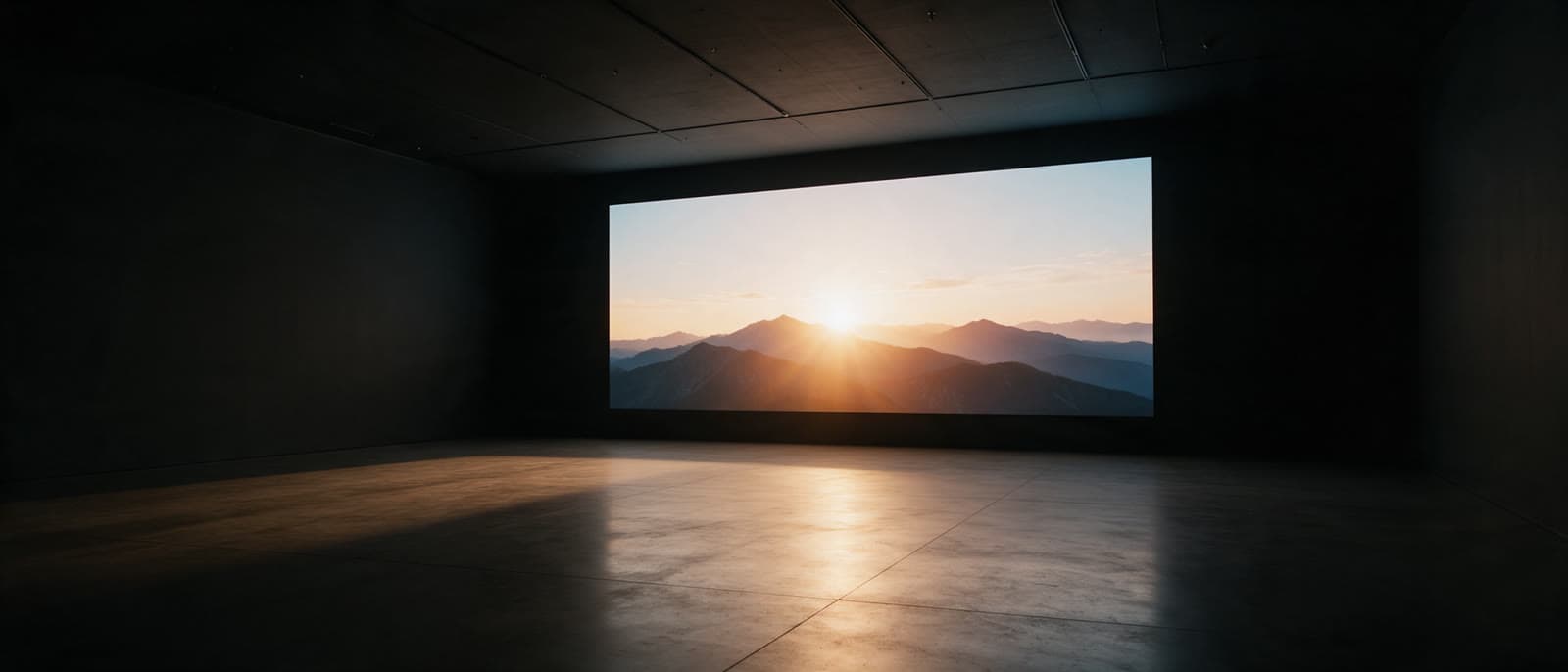
 ActionSample
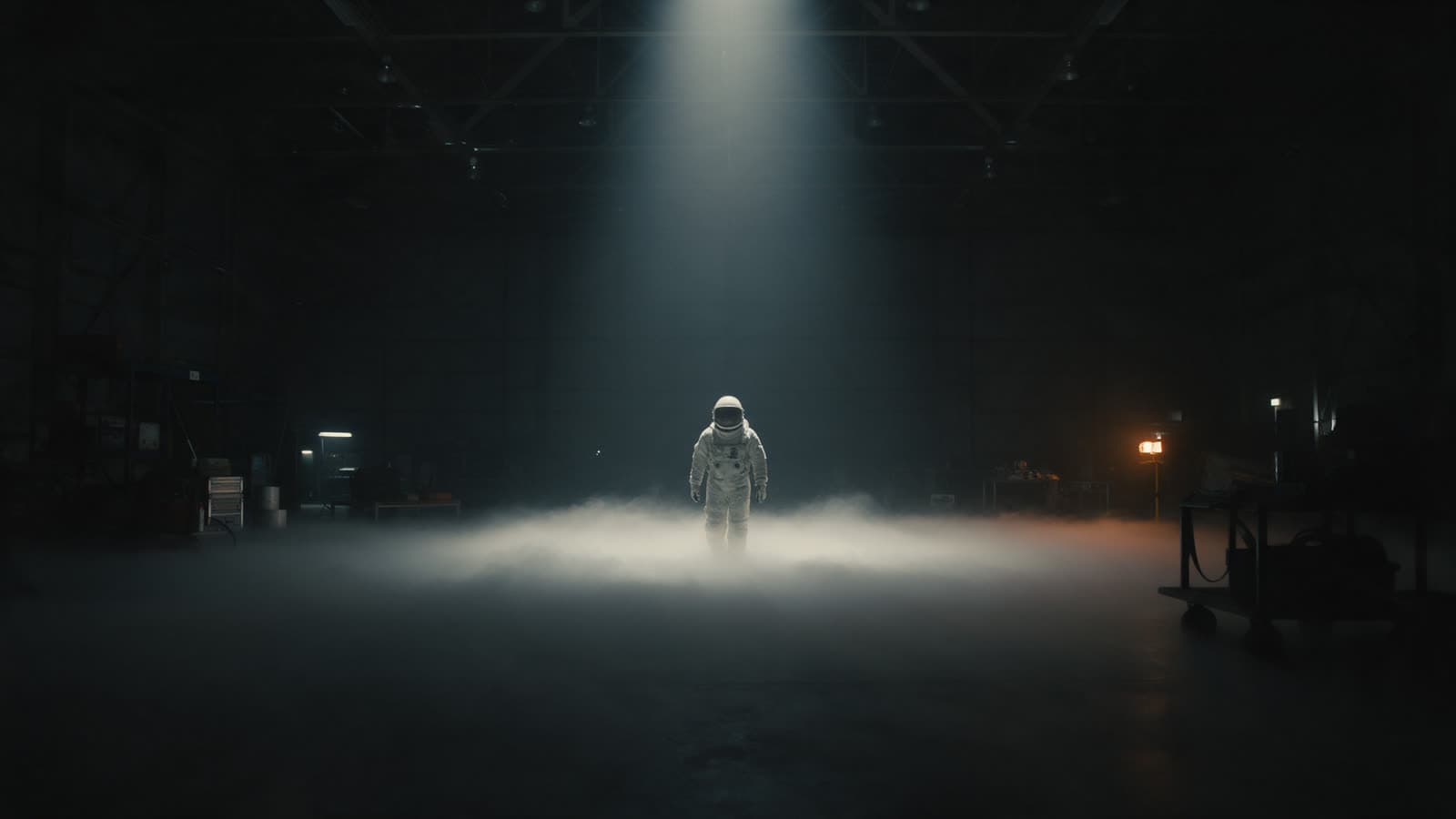 Sci-fiSample
 NatureSample
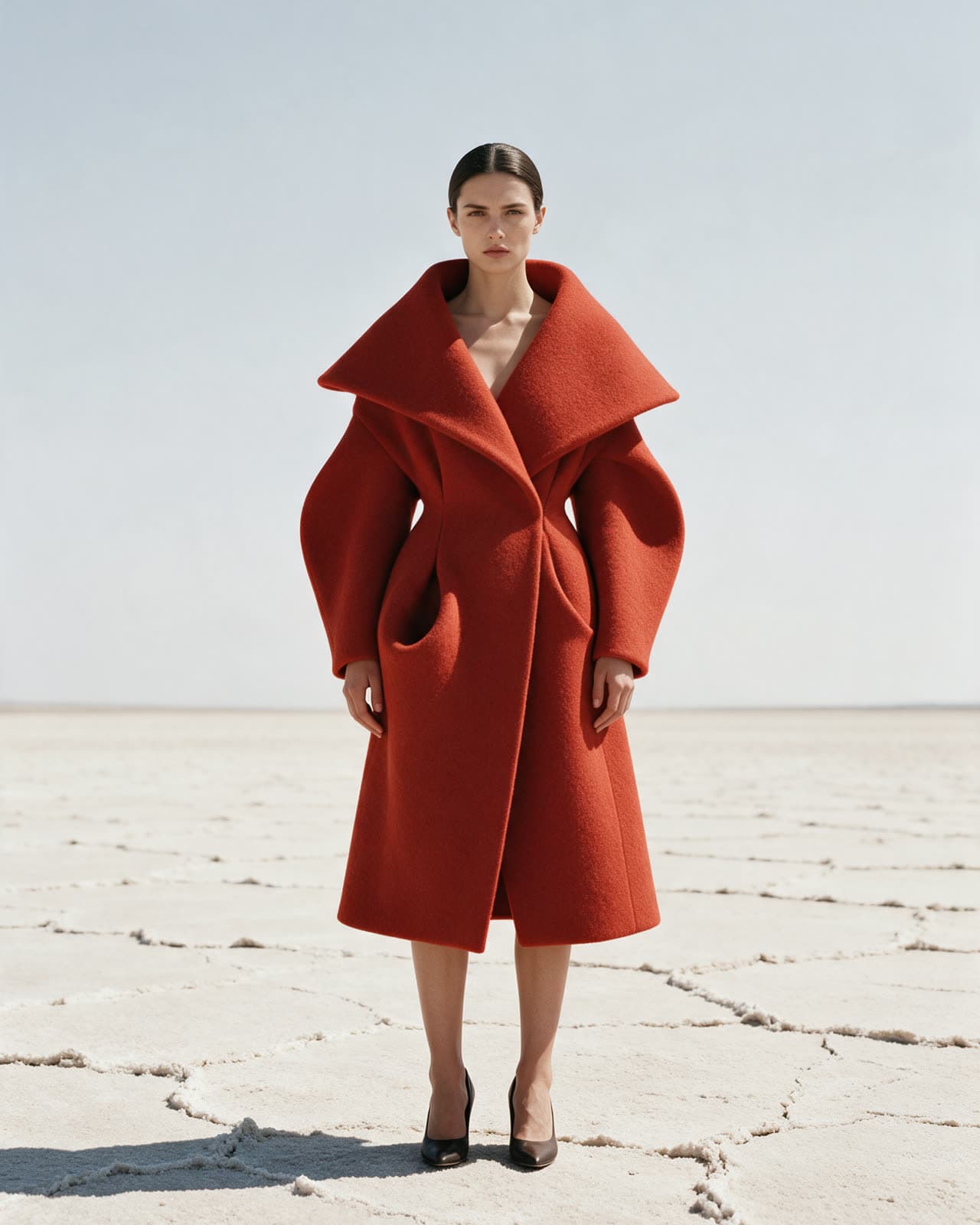 FashionSample
How it works
Four steps, every time
- 01Pick a model or a presetChoose from image, video and tool models, or start from a preset that already has a model and a tested prompt.
- 02Describe what you wantWrite a prompt in plain words. Upload an image when you want to edit it or turn it into a clip.
- 03See the cost, then generateThe credit cost shows before you press Generate. Failed or cancelled renders give the credits back.
- 04Keep and finishResults land in your library with their prompt. Upscale, expand, relight or extend them with the tools.
Inside
What is in the studio
Counted from the catalog itself.
Principles
How we run it
- Plain pricesEvery model has a fixed credit cost, listed on its page, on the pricing page and in the studio.
- Models by nameThe catalog says which company makes each model. Names belong to their owners.
- Your work stays yoursYou own what you make, within the terms of the model that made it. Read the terms for details.
- Clear limitsSome things may not be made here, such as content using a real person without consent. The acceptable use page lists them.
Start
See it for yourself
Open the studio, pick a model and make your first render.